
Field-Ready: The Contractor’s Guide to New Computer Setup in the Central Valley
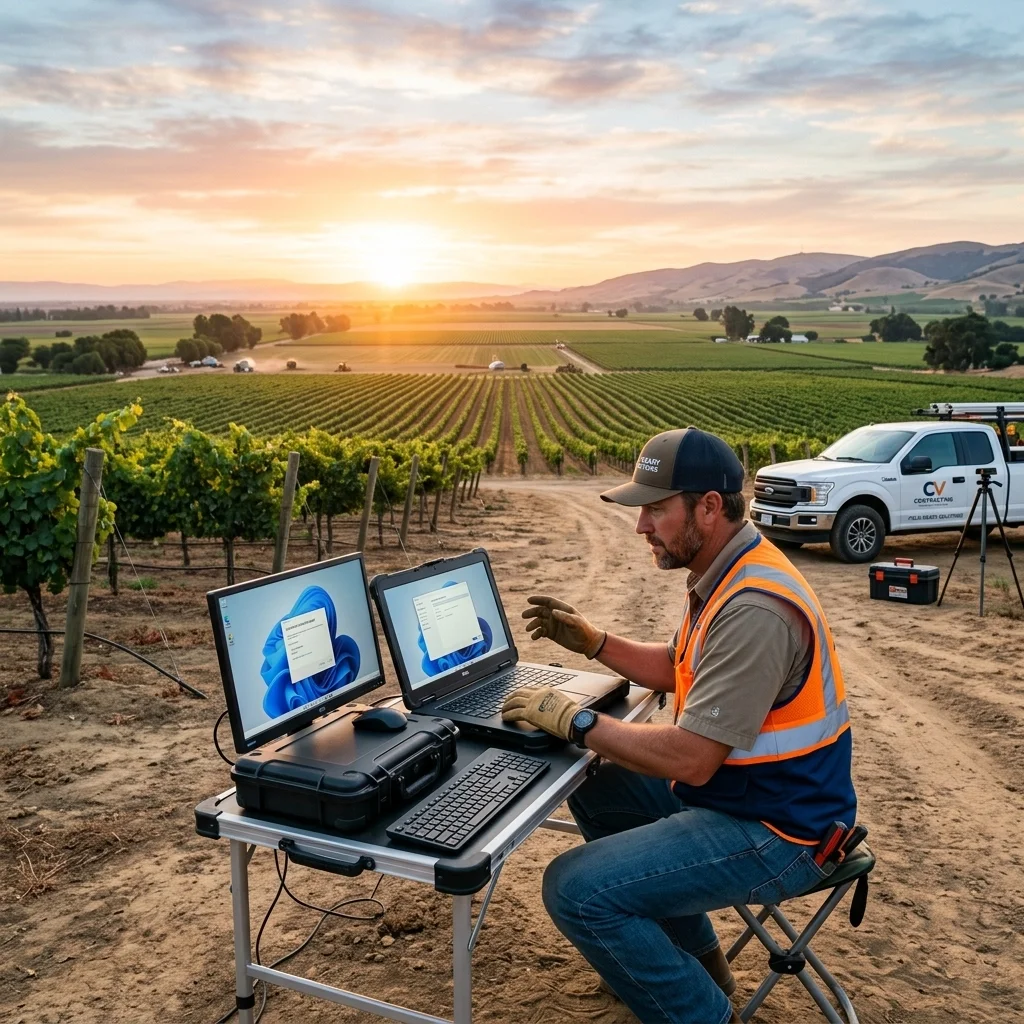
If you're a contractor in the Central Valley, your workspace usually isn't a desk. It might be a dusty job site in Oakdale, the front seat of a truck in Modesto, or a client meeting in Stockton. So when you get a new laptop or tablet, it needs to fit the way you actually work.
A lot of new computers look ready to go, but that doesn't mean they're set up in a way that helps your business. If you want this handled without wasting time on it, call or text me at (209) 322-9702. I work directly with my clients, and I keep it simple.
Your computer has to handle real job-site use
If you're moving between the office, the truck, and the field, your computer setup needs to make sense for real day-to-day work. I help contractors get the right setup for how they actually use their devices, without turning it into a research project.
You don't need to know the technical terms or sort through a bunch of model advice. Just tell me what you're doing, where you're using the computer, and what's been frustrating you. I'll recommend the simplest way to help and get it ready to use.
If you need help with a new computer, slow performance, Windows issues, files, backups, or general computer problems, you can start with my computer support page or just call or text (209) 322-9702.
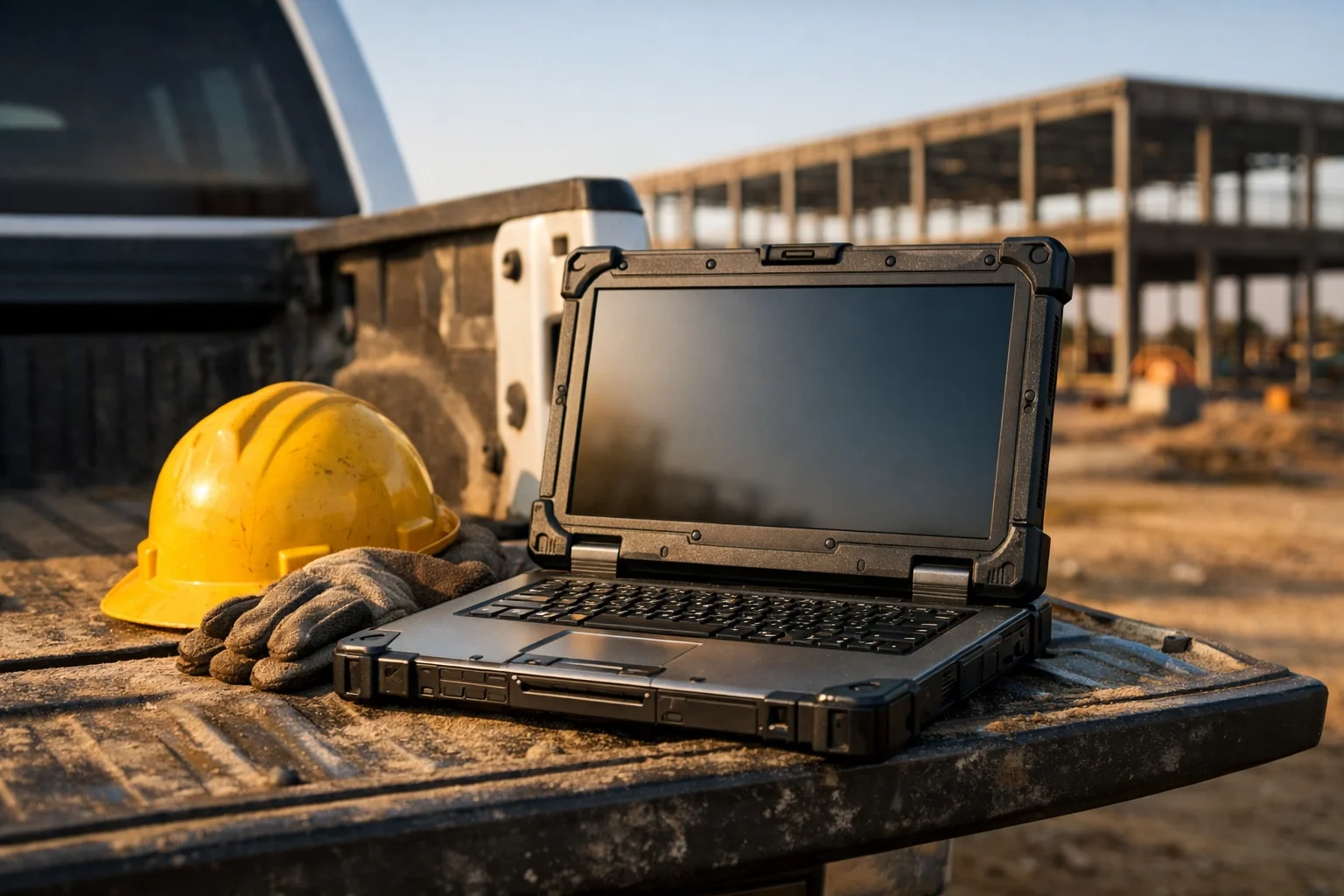
Keep the field and office on the same page
One of the most common problems I see is simple. The office is looking at one version, the field is looking at another, and now everyone is wasting time. That kind of disconnect creates delays and extra calls you don't need.
I set up Microsoft 365 support so your email, files, and day-to-day business information are easier to work with. The goal is straightforward: the field and the office should be looking at the same information, and it should just work.
If you need help with Microsoft 365 setup and migration, Outlook and business email, OneDrive, SharePoint, Teams, Office apps, or administration, that's exactly the kind of support I handle. You can call or text (209) 322-9702 and just tell me what's happening. You do not need to know the technical name for the problem.
Your computer holds important business information
Your computer usually has more on it than people think. Estimates, schedules, client details, email, files, and other business information all tend to live there.
That doesn't mean you need a pile of technical options dropped in your lap. It just means the protection worth having should be set up properly. I can take care of that as part of Microsoft 365 support or computer support, depending on what you need.

Older equipment can slow everything down
Sometimes the biggest problem isn't the setup. It's that the computer you're trying to keep going is already slowing you down. If it's unreliable, slow, or constantly in the way, I can tell you honestly whether it's worth keeping or whether replacing it makes more sense.
That kind of clear answer saves time. You don't have to guess, and you don't have to sort through it alone.
Why personal support matters
When you contact me, you work directly with me, Anita Balint. No call center. No ticket numbers. No getting passed around to a different person every time.
I've been doing hands-on computer support for 20+ years, and I keep things plain and practical. You can tell me what's happening in normal language. I choose the simplest way to help, I fix it, and I explain what matters.
I'm based in Oakdale, California. I offer local on-site support in Oakdale, Modesto, Stockton, Turlock, Riverbank, and surrounding Central Valley communities across parts of Stanislaus and San Joaquin Counties. I also provide remote support nationwide.
My billing is straightforward:
No long-term contract required
Remote support billed in 6-minute increments with no one-hour minimum
On-site visits have a one-hour minimum
One-time, as-needed, or ongoing support
If you want help with a contractor computer setup, Microsoft 365 migration, Outlook, business email, OneDrive, SharePoint, Teams, Office apps, security, files, backups, Windows problems, or a slow computer, here are the best places to start:
Or just call or text me at (209) 322-9702.
Get Started Today
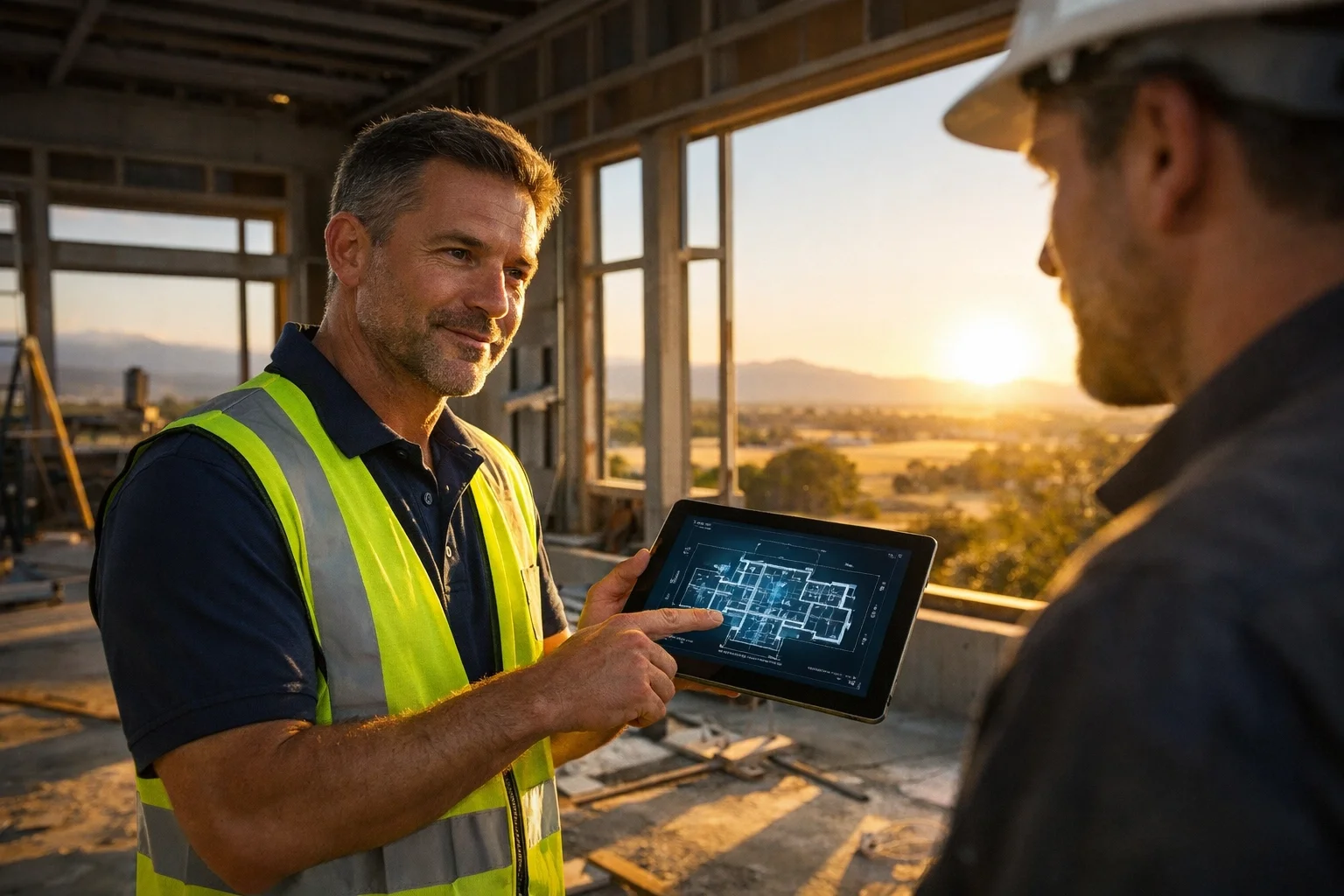
If your new computer needs to work on the job site, in the truck, and back at the office, I can get it set up without making it another thing you have to manage. This should feel easy to hand off.
I help contractors with new computer setup, Windows help, files, backups, and general computer support, along with Microsoft 365, Outlook, business email, OneDrive, SharePoint, and administration. Whether you need help one time, as needed, or on an ongoing basis, I'll keep it simple.
Call or text (209) 322-9702 to get started.
Service Areas:
Modesto
Oakdale
Stockton
Turlock
Riverbank
Surrounding Central Valley communities
Remote support is also available nationwide.
You can also learn more at TaskAlign.