
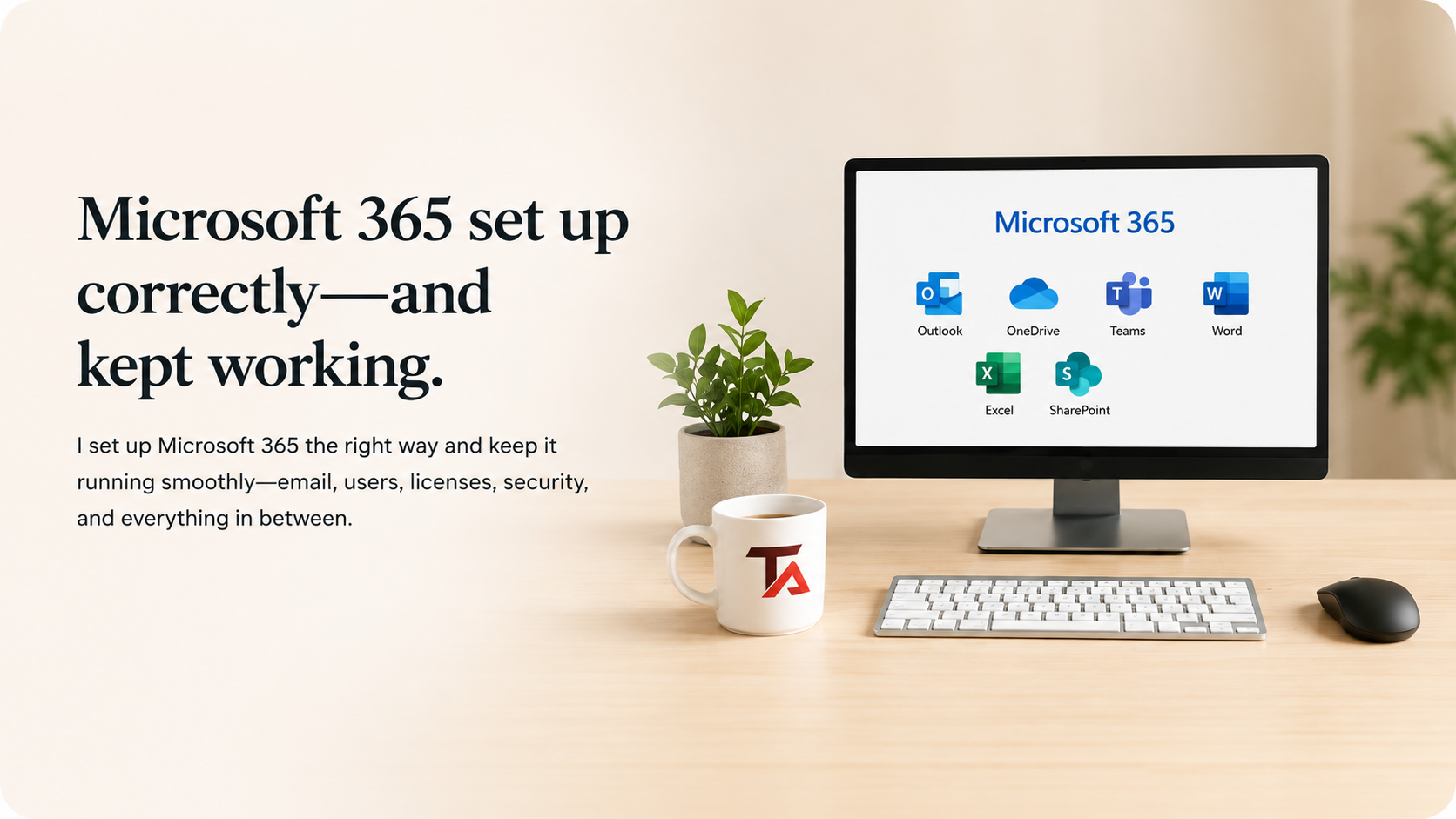
Microsoft 365 support I provide
Microsoft 365 setup & migration
• Create and configure a Microsoft 365 business account
• Connect and verify your business domain
• Set up business email and required DNS records
• Create users, assign licenses, and configure access
• Move email, contacts, calendars, and files when appropriate
• Set up Outlook and Microsoft 365 apps on computers and phones
Microsoft 365 setup & migration
• Create and configure a Microsoft 365 business account
• Connect and verify your business domain
• Set up business email and required DNS records
• Create users, assign licenses, and configure access
• Move email, contacts, calendars, and files when appropriate
• Set up Outlook and Microsoft 365 apps on computers and phones

Outlook & business email
• Outlook not sending, receiving, syncing, or opening
• Repeated password prompts and sign-in loops
• Missing folders, mail, contacts, or calendars
• Shared mailboxes, aliases, groups, and delegate access


Outlook & business email
• Outlook not sending, receiving, syncing, or opening
• Repeated password prompts and sign-in loops
• Missing folders, mail, contacts, or calendars
• Shared mailboxes, aliases, groups, and delegate access
OneDrive & SharePoint
• OneDrive sync problems and missing files
• SharePoint document libraries and access issues
• File sharing, permissions, and organization
• Backup-related questions and file recovery help
OneDrive & SharePoint
• OneDrive sync problems and missing files
• SharePoint document libraries and access issues
• File sharing, permissions, and organization
• Backup-related questions and file recovery help
Teams & Office apps
• Microsoft Teams setup and troubleshooting
• Sign-in problems across Microsoft 365 apps
• Word, Excel, and Outlook app setup
• Collaboration and day-to-day app support

Teams & Office apps
• Microsoft Teams setup and troubleshooting
• Sign-in problems across Microsoft 365 apps
• Word, Excel, and Outlook app setup
• Collaboration and day-to-day app support
Security & administration
• User account and license management
• Security settings and access protection
• Employee onboarding and offboarding
• Microsoft 365 admin help and day-to-day support

Security & administration
• User account and license management
• Security settings and access protection
• Employee onboarding and offboarding
• Microsoft 365 admin help and day-to-day support
Who is this a good fit for
• Small businesses that need Microsoft 365 to just work
• Solo professionals using Microsoft 365 every day
• Owners who want everything set up securely
• Businesses that need ongoing admin and user support
• Anyone switching to Microsoft 365 or cleaning up an existing setup

What working with TaskAlign feels like
Direct — You work with me, not a rotating queue of strangers.
Clear — I explain the problem, options, and cost in normal language.
Practical — I recommend what you actually need, not the biggest package I can sell.
Flexible — Get help when you need it—setup, troubleshooting, projects, or ongoing support.
Efficient — Most Microsoft 365 issues can begin remotely, so work can start without waiting for an on-site visit.
What working with TaskAlign feels like
Direct — You work with me, not a rotating queue of strangers.
Clear — I explain the problem, options, and cost in normal language.
Practical — I recommend what you actually need, not the biggest package I can sell.
Flexible — Get help when you need it—setup, troubleshooting, projects, or ongoing support.
Efficient — Most Microsoft 365 issues can begin remotely, so work can start without waiting for an on-site visit.
Who is this a good fit for
• Small businesses that need Microsoft 365 to just work
• Solo professionals using Microsoft 365 every day
• Owners who want everything set up securely
• Businesses that need ongoing admin and user support
• Anyone switching to Microsoft 365 or cleaning up an existing setup

How support works

Tell me what you need
Call, text, or send a support request. You do not need to know all the technical details. Just tell me what is happening and what you need help with.
I choose the best way to help
Most Microsoft 365, Outlook, OneDrive, Teams, and email problems can be handled remotely. If an on-site visit makes more sense and you are in my local service area, we can schedule one.

I fix it and explain what matters
I handle the work, explain what I found in plain English, and make sure you know what needs attention next.
A few common questions
-
TaskAlign is based in Oakdale, California. On-site support may be available in parts of Stanislaus and San Joaquin Counties, and remote Microsoft 365 support is available nationwide.
-
Most support calls can be handled the same day, depending on my schedule and the type of issue. If I cannot get to it right away, I’ll let you know the soonest available time.
-
Yes. I help small businesses and solo professionals with Microsoft 365 setup, Outlook, OneDrive, SharePoint, Teams, users, licenses, security, business email, and day-to-day administration.
-
No. You can use TaskAlign only when you need help. Ongoing Microsoft 365 administration and support are available if they make sense for your business.
-
Yes. I can help move business email, contacts, calendars, and related Microsoft 365 data when appropriate.
-
Yes. I can provide practical help with Outlook, OneDrive, Teams, SharePoint, and other Microsoft 365 apps so you know how to use the features you actually need.
Microsoft 365 should make work easier—not create more problems.
Tell me what is not working, and I’ll help get your email, files, accounts, or Microsoft 365 setup back on track.