
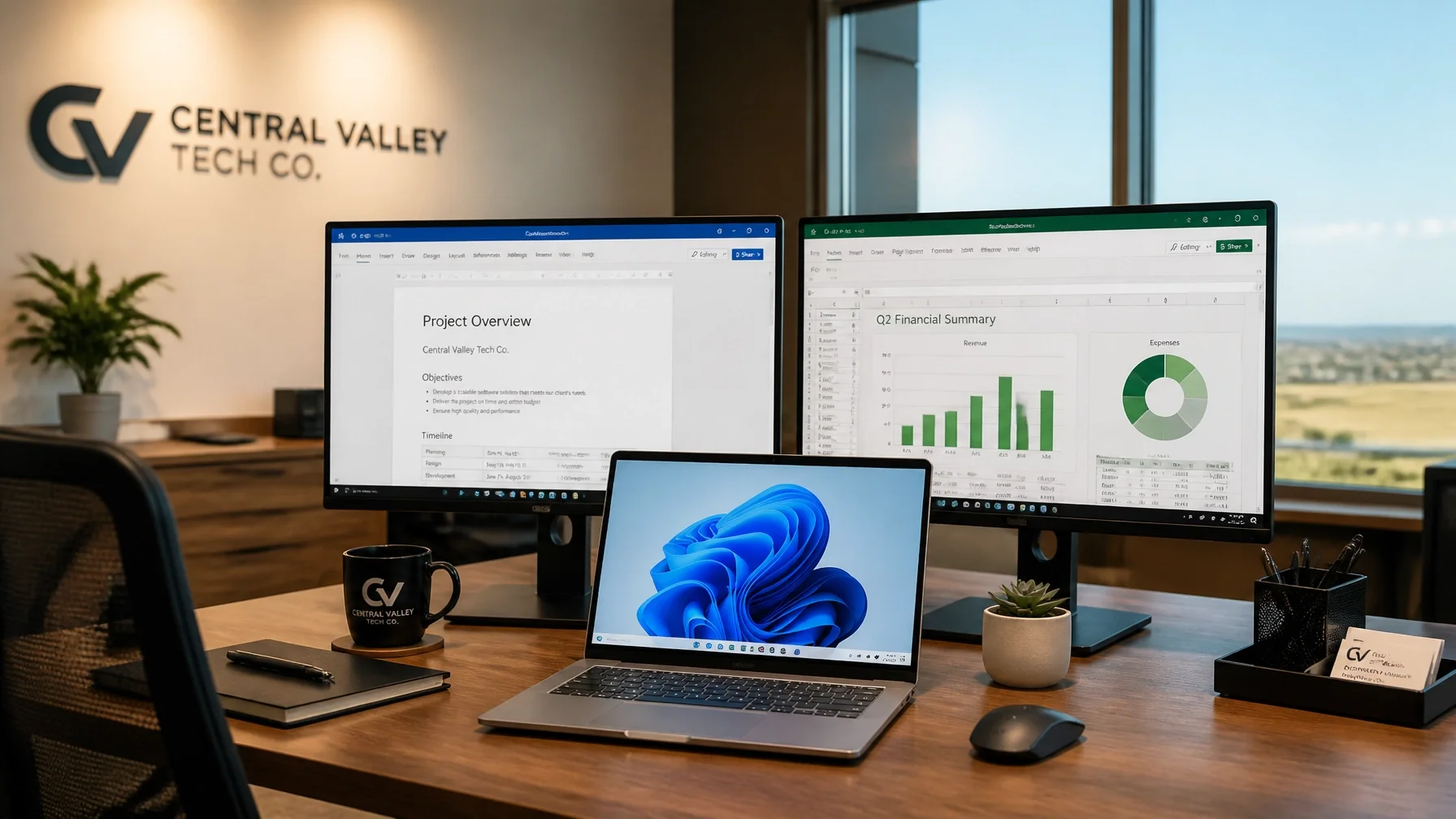
Starting a new business takes enough of your time already. If your computer is slow, your email setup looks unfinished, or your files are all over the place, tech can start holding you back fast.
If you want help right away, call or text me at (209) 322-9702 or visit my homepage. I work directly with my clients, so when you reach out, you get me — not a call center, not a ticket number, and not a different person every time.
I’m based in Oakdale, California, and I help startups and small businesses in Oakdale, Modesto, Stockton, Turlock, Riverbank, Ripon, Tracy, and surrounding Central Valley communities. I also offer remote support nationwide. With 20+ years of hands-on experience, I keep things simple: you tell me what’s happening, I choose the simplest way to help, and I fix it while explaining what actually matters.
You do not need to know the technical name for the problem before you call. If something is not working, I can help.
Cheap or Hand-Me-Down Tech Can Cost You More Than You Think
A lot of startups begin with whatever is available. An older laptop. A computer borrowed from another office. A mix of personal apps and quick fixes just to get by.
That can work for a little while. Then the slowdowns, glitches, and random interruptions start eating into your day. Instead of focusing on clients and income, you are losing time to a computer that is not keeping up.
That is where I come in. I help startups get dependable Windows systems in place so work feels easier and more consistent. If your current setup is already getting in the way, take a look at my computer support services or call or text me at (209) 322-9702.

A Real Business Email Setup Makes a Better First Impression
Using a personal email address for business is common in the beginning. But when you are trying to build trust, a real business email setup makes you look more established right away.
It also helps keep things organized. If your email, calendar, documents, and shared files are scattered across different apps and accounts, everyday work gets harder than it needs to be.
I help with Microsoft 365 setup and migration, Outlook and business email, OneDrive and SharePoint, Teams and Office apps, plus security and administration. If you want your business to look more professional and run more smoothly, visit my Microsoft 365 support page.
Don’t Turn IT Into Your Second Job
When you are running a startup, your time matters. If you are spending that time fighting with email problems, Windows issues, missing files, or a computer that just will not cooperate, it pulls your attention away from the work that actually grows the business.
You should not have to figure everything out on your own. I keep support plain-English and practical. You tell me what is happening, I choose the simplest way to help, and I fix the problem and explain what matters.
Support is straightforward too. There is no long-term contract required. I offer one-time, as-needed, or ongoing support. Remote support is billed in 6-minute increments with no one-hour minimum, and on-site visits have a one-hour minimum. Call or text me at (209) 322-9702 if you want help without the usual hassle.
Setting Up New Windows Computers the Right Way
A new computer should help you move faster. It should not turn into a half-day distraction before anyone can even use it.
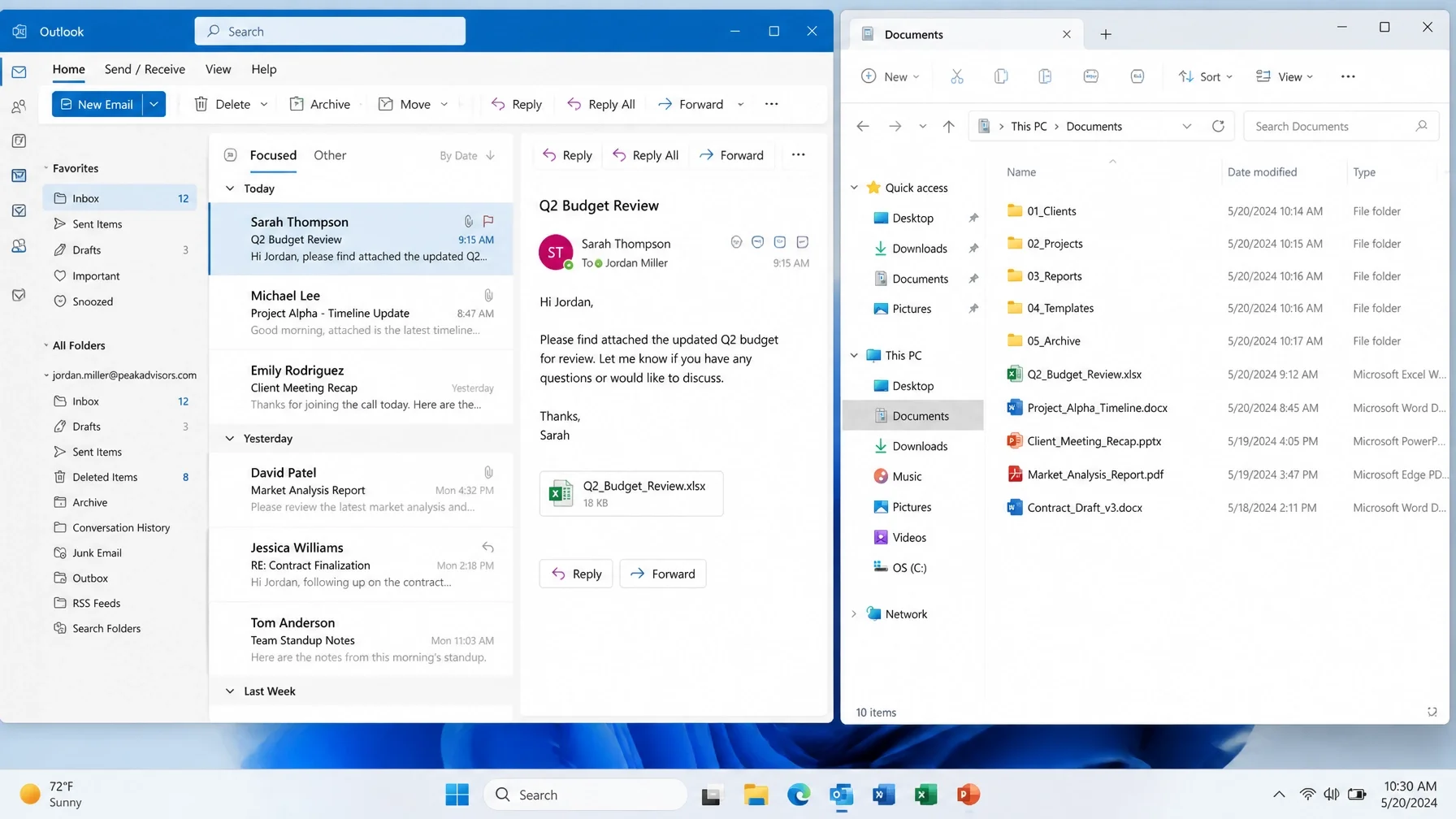
I help business owners get new Windows computers ready for real work. That includes setup, cleanup, account connection, Microsoft 365 access, and making sure the basics are in place so you can keep moving. If something is already off, I can step in and straighten it out.
I also help with the kinds of day-to-day problems that show up at home or at work, including slow computers, email problems, popups and security concerns, new computer setup, files and backups, and general Windows help. You can learn more on my computer support section.
File Sharing and Teamwork Shouldn’t Feel Messy
Once your startup starts growing, shared files and communication matter even more. If people cannot get to the right document, email is disorganized, or file access keeps becoming a problem, work slows down for everyone.
I help set up simple, reliable systems for file sharing and day-to-day collaboration using Microsoft 365. That can include OneDrive, SharePoint, Teams, Outlook, and Office apps, depending on what fits your business best. If you want that part of your business to feel a lot less stressful, visit my Microsoft 365 support page or start at the homepage.

Flexible Support for Startups That Don’t Want Contracts
A startup usually does not need a big IT contract. It needs the right help at the right time from someone who understands small business tech and can keep things simple.
That is exactly how I work. You can reach out for one-time help, as-needed support, or ongoing support. There is no long-term contract required. If I help you remotely, billing is in 6-minute increments with no one-hour minimum. If I come on-site, there is a one-hour minimum.
Let Me Help You Keep Tech From Slowing Down Your First Year
If your startup is dealing with slow computers, unfinished business email, Microsoft 365 confusion, file access problems, or everyday Windows issues, I can help. I work directly with my clients, I keep it plain-English, and I focus on the simplest way to get you back on track.
Call or text me at (209) 322-9702, email anita@taskalign.com, or visit TaskAlign.com to get started. I’m based in Oakdale and proudly help clients in Oakdale, Modesto, Stockton, Turlock, Riverbank, Ripon, Tracy, and surrounding Central Valley communities, with remote support available nationwide.