
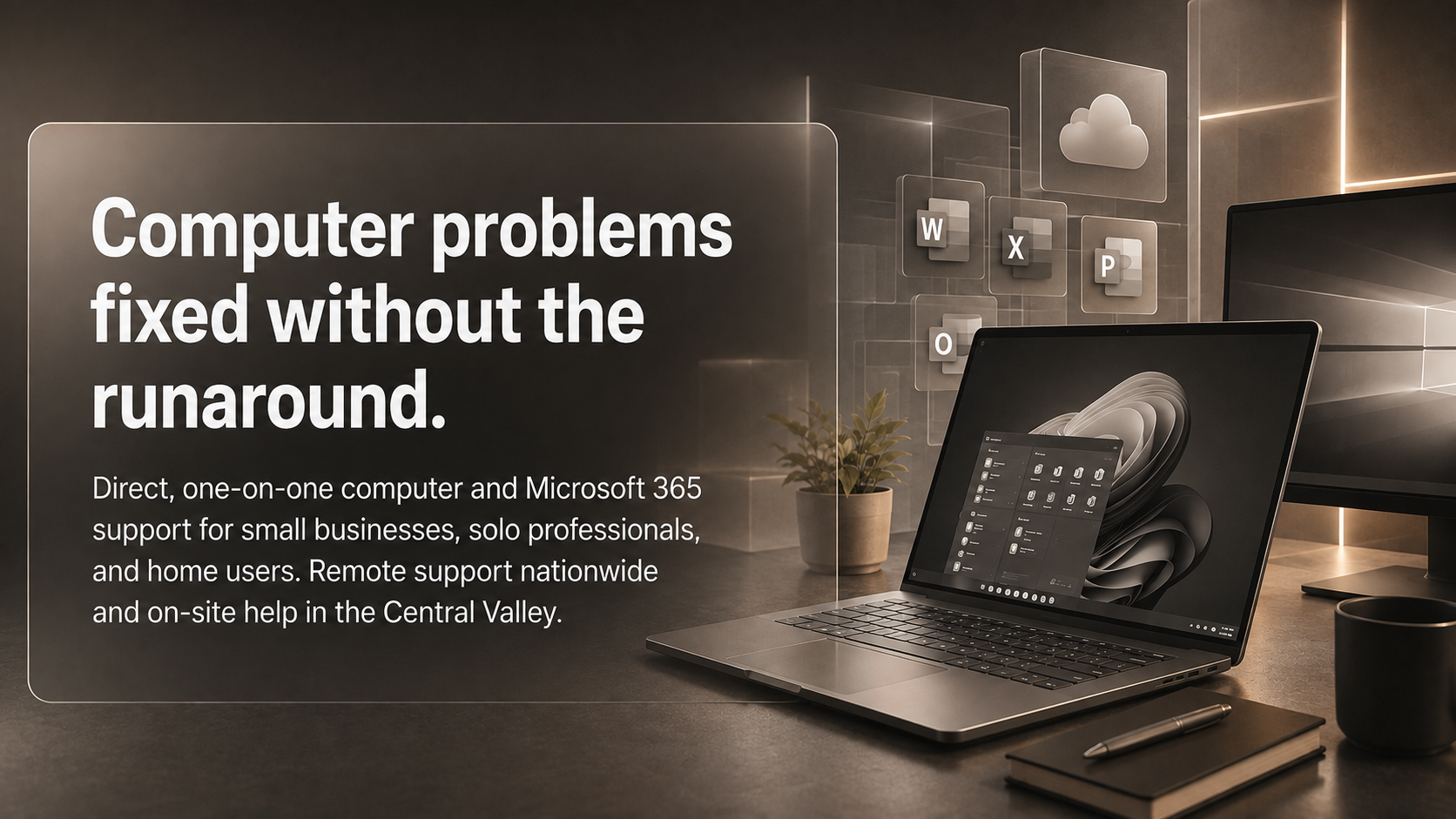
Technology problems are frustrating enough without being passed from one support person to another. If you have ever waited through a support queue, repeated the same explanation, or received instructions filled with technical terms, the redesigned TaskAlign.com website was created with you in mind.
TaskAlign.com has a new look and a clearer way to find help for your business or home computer. If you need support now, call or text (209) 322-9702, or visit the new website to request help.
A redesigned website built around the help you actually need
Many support websites make you search through complicated service lists before you know whether someone can help. The new TaskAlign website takes a more practical approach.
You can start with one of two clear paths:
Help for a business with computers, Microsoft 365, email, files, and user accounts
Help for your home computer with Windows issues, slow performance, email problems, popups, missing files, and new computer setup
You do not need to identify the technical name for the problem. You can simply explain what is happening, what you were trying to do, or what changed.
Here’s how TaskAlign helps: I listen to the problem, choose the simplest way to provide support, and handle the work without expecting you to become your own technician.
You work directly with Anita: not a call center
The problem with large support companies is not always a lack of technical knowledge. It is the lack of personal continuity. You may receive a ticket number, explain the same issue multiple times, and never speak with the same person twice.
The redesigned website makes the TaskAlign difference clear: you work directly with me, Anita Balint, the owner of TaskAlign.

I have more than 20 years of hands-on experience supporting computers, Microsoft 365, email, cloud files, and the people who depend on them. When you contact TaskAlign, you are not passed around between departments or expected to start over with every conversation.
I explain what matters in plain English. I recommend what you actually need. I stay focused on getting the problem handled safely and efficiently.
If you want direct help instead of a rotating support queue, call or text (209) 322-9702 or visit TaskAlign.com to request support.
When your home computer is creating daily stress
A home computer may be essential for work, finances, communication, records, and personal projects. When it becomes slow, unreliable, or confusing, the problem can quickly affect your entire day.
Common concerns include:
A slow startup or computer that freezes
Programs that will not open or respond
Outlook or email that will not send, receive, or sync
Suspicious popups, scam messages, or possible security concerns
A new Windows computer that needs to be set up
Missing, disorganized, or difficult-to-access files
OneDrive, Dropbox, or backup concerns
Windows updates, settings, or error messages
Here’s how TaskAlign helps: I work with you directly, determine the most practical support option, and handle the problem whenever possible instead of giving you a long list of tasks to complete on your own.
Many home computer problems can be addressed through a secure remote session. When hands-on help makes more sense, local on-site support may be available in Oakdale and surrounding Central Valley communities.
Explore home computer and Windows support, or call or text (209) 322-9702 when your computer is making everyday tasks harder than they should be.
When Microsoft 365 is supposed to help: but becomes another responsibility
Microsoft 365 can give a small business professional email, shared files, collaboration tools, and useful applications. But when setup, account administration, or access problems are left unresolved, the system can become a source of interruptions and risk.
TaskAlign supports small businesses and solo professionals with:
Microsoft 365 setup and migration
Business email and domain connections
Outlook sending, receiving, syncing, and sign-in problems
OneDrive and SharePoint file access and synchronization
Teams, Word, Excel, and other Office applications
User accounts, licenses, mailboxes, and permissions
Security settings and access protection
Employee onboarding and offboarding
Ongoing Microsoft 365 administration
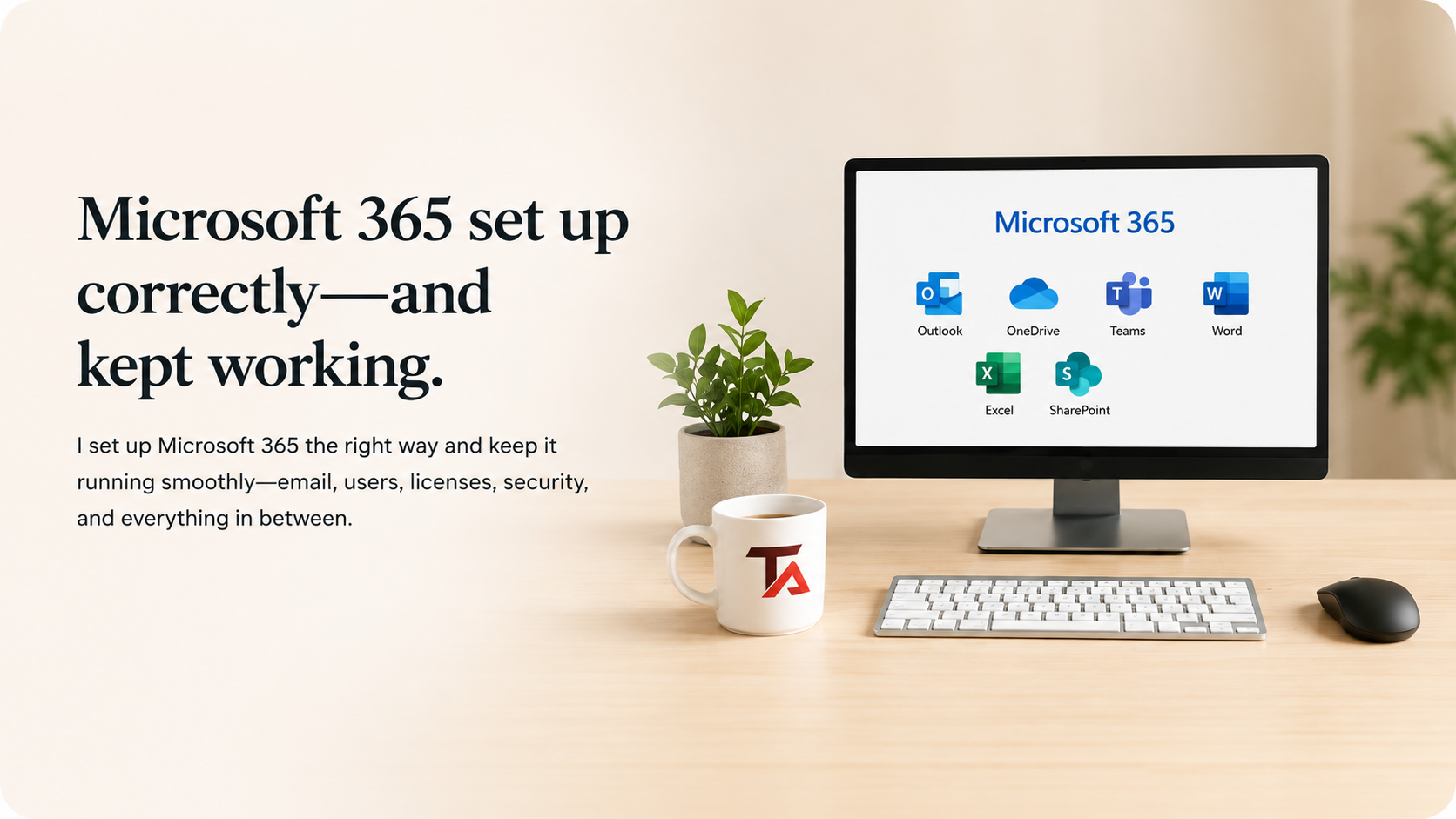
Here’s how TaskAlign helps: I work with the specific part of Microsoft 365 that is causing trouble, explain the available options, and complete the support needed to keep your email, files, accounts, and applications working together.
If you are switching to Microsoft 365, cleaning up an existing setup, or dealing with an Outlook or OneDrive problem, visit the Microsoft 365 support page. You can also call or text (209) 322-9702 for direct assistance.
A simple three-step support process
Technical support does not need to feel complicated. The new TaskAlign website explains the process in three straightforward steps:
1. Tell me what is happening
You can call, text, or send a support request. You do not need to diagnose the issue or know the correct technical terminology.
2. I choose the simplest way to help
Many computer, email, Windows, and Microsoft 365 problems can be handled remotely. If an on-site visit is more practical and you are in the local service area, we can schedule one.
3. I fix it and explain what matters
I handle the work, explain what I found in normal language, and let you know if anything else needs attention. The goal is not to overwhelm you with information. The goal is to help you move forward with confidence.
Same-day help is available when scheduling allows. If immediate support is not possible, I will let you know the soonest available time.
Flexible support without a long-term contract
Another problem with traditional IT arrangements is that they may require a long-term contract or charge for more time than your issue needs.
TaskAlign offers a more flexible approach:
One-time support
As-needed support
Ongoing computer or Microsoft 365 support
Remote support billed in 6-minute increments
No one-hour minimum for remote support
On-site visits with a one-hour minimum
No long-term contract required
Here’s how TaskAlign helps: you can get the level of support that fits your situation without committing to a larger arrangement than your business or household needs.
Local support in the Central Valley and remote help nationwide
TaskAlign is based in Oakdale, California. Local on-site support may be available in Oakdale and surrounding communities in parts of Stanislaus and San Joaquin Counties, including areas near Modesto, Turlock, Stockton, and neighboring Central Valley communities.
Remote support is available nationwide for many computer and Microsoft 365 issues. That means you do not always have to transport a computer, wait for an appointment, or interrupt your workday to get help.
Whether you are a small business owner, solo professional, or home user, the new TaskAlign website makes it easier to find the right starting point.
See what clients say about working with TaskAlign
The redesigned homepage also features client reviews from people who have experienced the TaskAlign approach. Their feedback reflects the qualities the new site is built around: direct communication, practical recommendations, plain-English explanations, and dependable assistance.
You should not have to fight with your computer or Microsoft 365 account just to get normal work completed. You should be able to contact someone who understands the problem and can help you choose the next step.
Ready to use the new TaskAlign website?
The redesigned TaskAlign.com website makes it easier to request help for your home computer or business technology.
If your Windows computer is slow, your email is not working, your files are difficult to access, or your Microsoft 365 setup needs attention, tell me what is happening. I will help determine the simplest way forward.
Call or text Anita at (209) 322-9702.
You can also visit TaskAlign.com to learn more and request support through the website.
TaskAlign provides remote support nationwide and local on-site support in Oakdale, Modesto, Turlock, Stockton, and surrounding Central Valley communities. Call or text (209) 322-9702 today for direct, plain-English computer and Microsoft 365 help.