
Windows 10 Support Has Ended: What to Do Next for Your Business
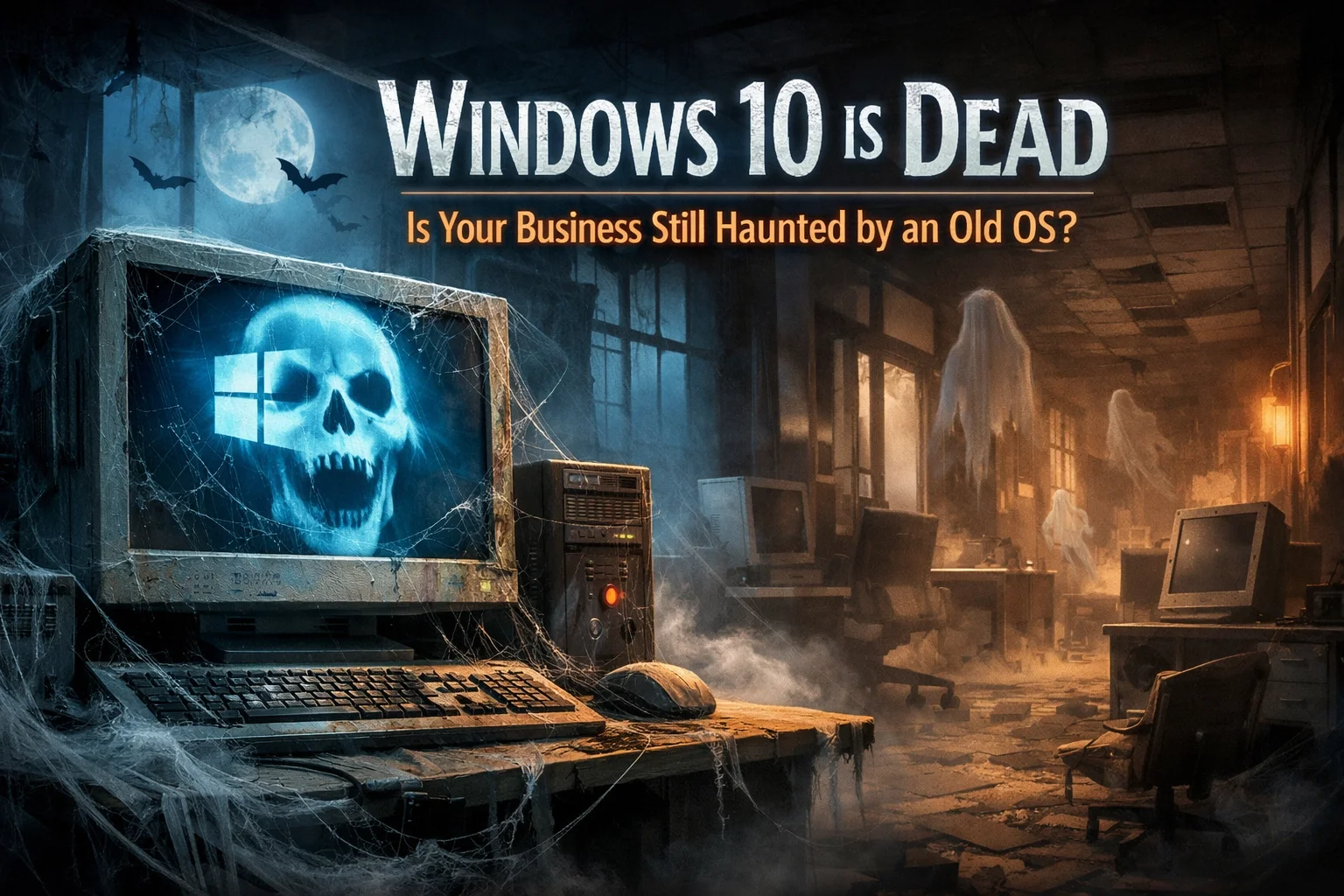
Windows 10 has reached the end of its support. That doesn’t mean you need to panic, but it does mean it’s a good time to look at what you’re still using and decide what makes sense next.
If you're not sure where to start, call or text me at (209) 322-9702. I work directly with you, explain things in plain English, and help you sort it out without sending you through a call center or a ticket system.
What That Actually Means
Windows 10 reached the end of its support, which means Microsoft no longer provides updates for it. That’s the main issue, and it’s worth thinking about what that means for your business before small problems turn into bigger interruptions.
If your computers are still doing the job, that’s fine. But this is the point where it helps to have someone take a look and tell you what’s worth keeping, what’s worth updating, and what can wait a little longer.

Windows 10 Security Risk
Older Systems Can Start Holding You Back
It’s not always dramatic. Sometimes an older computer just gets harder to work on over time. Things feel slower. Programs don’t behave the way they used to. Work takes longer than it should.
That doesn’t automatically mean you need to replace everything. It just means it’s worth having someone look before you decide. I help clients figure out whether a computer is still worth using, whether it should be updated, or whether it’s simply time to move on.
Some Older Computers Won’t Be Good Candidates
Not every older computer can run the newer version well, and it’s not always obvious which ones can. That’s where people usually get stuck.
I can tell you which computers are worth keeping and which ones are ready to replace. If a system still makes sense, I’ll say so. If it’s time for a new one, I’ll tell you that too and keep the process simple.
TaskAlign Windows Support
Why Handing It Off Makes Sense
This is one of those jobs that’s usually easier to hand off. I take care of it, keep it moving, and make sure you know what matters without burying you in technical details.
You work directly with me from start to finish. No call center. No ticket numbers. No getting passed around. I’ve been doing this hands-on for more than 20 years, and I keep the process straightforward.
How I Help
I help with more than just the version change. If your business also needs help with Microsoft 365 setup and migration, Outlook, business email, OneDrive, SharePoint, Teams, Office apps, or security and administration, I handle that too.
I also help with slow computers, Windows problems, new computer setup, files, backups, and general computer issues. If you’re trying to decide what to keep, what to replace, or how to make the transition easier, that’s exactly the kind of thing I do every day.
My process is simple:
Tell me what’s happening.
I choose the simplest way to help.
I fix it and explain what matters.
You can hire me one time, as needed, or on an ongoing basis. There’s no long-term contract. Remote support is billed in 6-minute increments with no one-hour minimum, and on-site visits have a one-hour minimum. I’m based in Oakdale, California, with remote support available nationwide and local on-site support in surrounding Central Valley communities.
If you want to talk it through, call or text me at (209) 322-9702. You can also visit the TaskAlign homepage to learn more about how I work.

Secure Windows 11 Upgrade and Seamless Business Data Migration
The Newer Version Is the One Still Getting Support
The newer version is the one that keeps getting supported and updated. For most businesses, that’s the real reason to deal with this now instead of putting it off again.
Ready to Sort It Out?
If you’re still on Windows 10, this is manageable. You don’t have to figure it all out yourself, and you don’t need a big complicated project to get moving.
If you want a clear answer about what to do next, call or text me at (209) 322-9702. I’ll help you sort out the simplest path forward.
Ready to Talk?
If you want help with older computers, Windows upgrades, computer support, or Microsoft 365 support, I’m here.
Contact Anita Balint
Call or text: (209) 322-9702
Email: anita@taskalign.com
Website: www.taskalign.com
Local service area:
Modesto
Oakdale
Stockton
Turlock
Riverbank
Escalon
Remote support is also available nationwide.
TaskAlign Support