
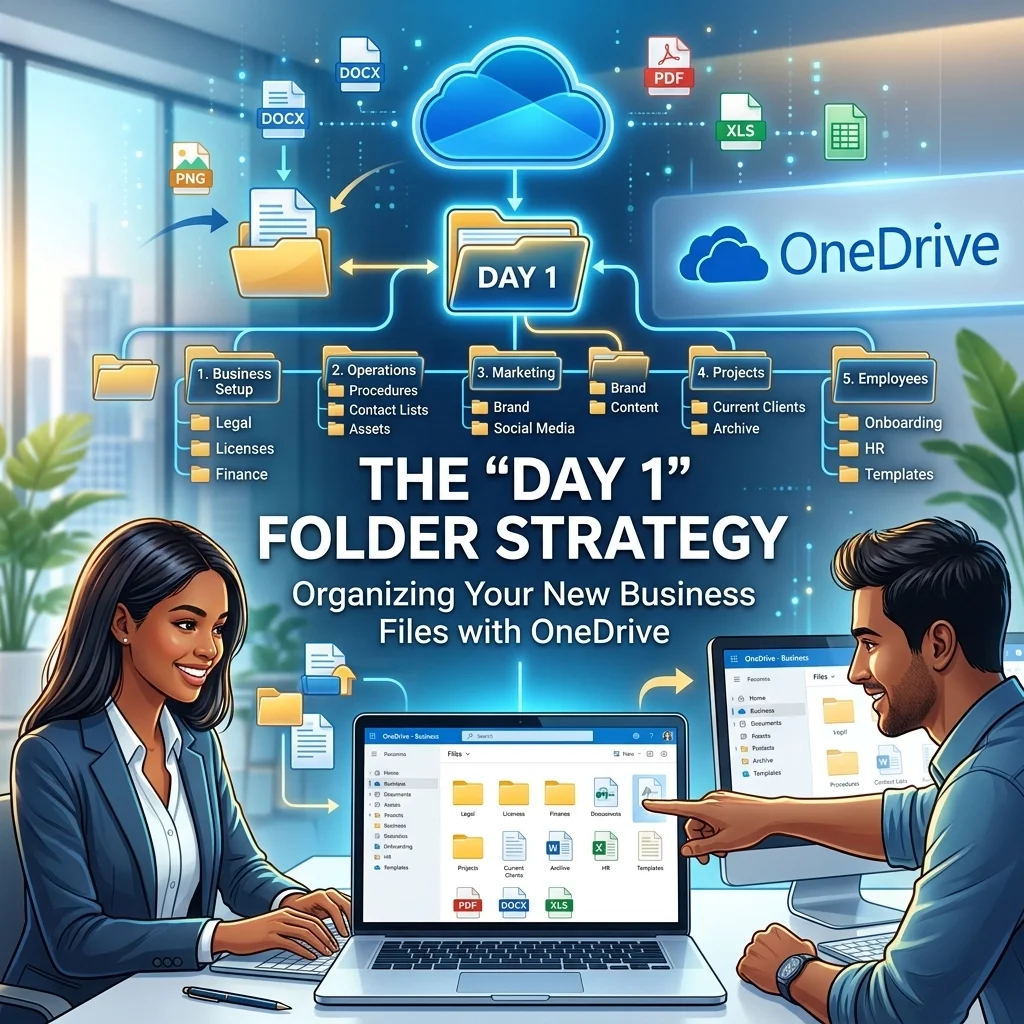
The 'Day 1' Folder Strategy: Organizing Your New Business Files with OneDrive
Call or Text Anita: (209) 322-9702
If you're starting a business, it's very easy for files to end up all over the place. A contract lands on the desktop. An invoice gets saved in Downloads. A logo file ends up in a personal account. It works for a little while, and then it doesn't.
That's the problem this post is really about. If your files aren't set up clearly from the beginning, everyday work gets slower, harder, and more stressful than it needs to be.
Call or Text Anita: (209) 322-9702 if you want help getting your business files, Microsoft 365 setup, and email organized from the start. I work directly with clients myself, and I keep the process simple.
The Chaos of "I'll Do It Later"
A lot of new business owners start with whatever is already in front of them. Maybe that's a personal OneDrive account, an old Gmail address, or a mix of folders saved in different places. That usually feels fine at first.
Then real work starts piling up. You need to find documents quickly. You need your files to stay organized. You need your business to look professional. When everything is scattered, small tasks take longer than they should.
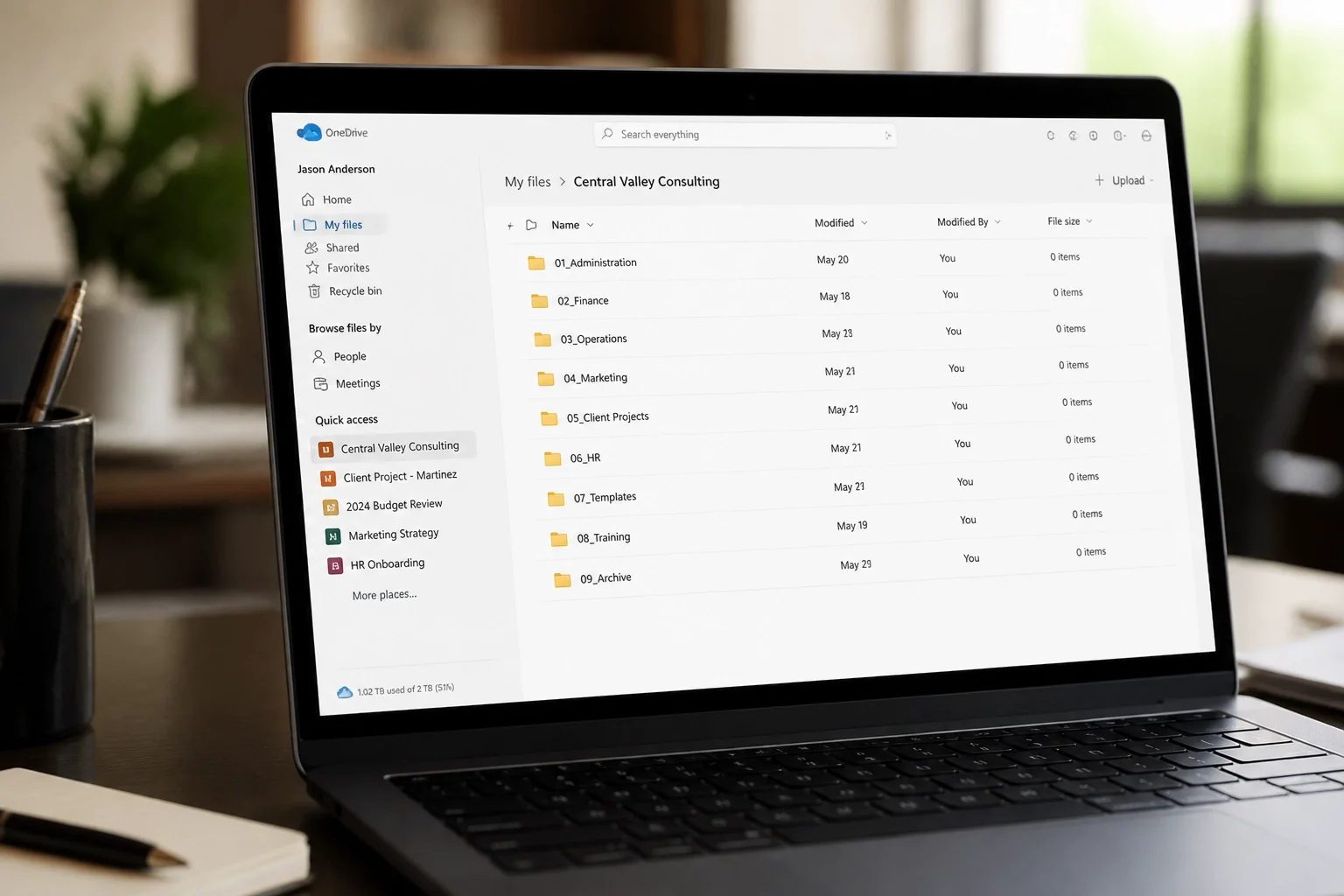
The idea behind the "Day 1" folder strategy is simple. Give your business files a dependable home early, so you're not trying to clean up a bigger mess later.
What is the Day 1 Folder Strategy?
It doesn't need to be complicated. The real goal is to start with a clean, sensible setup for your business files inside Microsoft 365 and OneDrive.
When your files are organized from the beginning, it's easier to find what you need, easier to keep work moving, and easier to stay in control as your business grows. You don't need a complicated system. You just need one that makes sense for how you actually work.
I help business owners put that structure in place without making them sort through technical details or guess at what belongs where. If something already feels messy, I can help straighten it out before it turns into a daily frustration.
Why Dependable Setup Matters
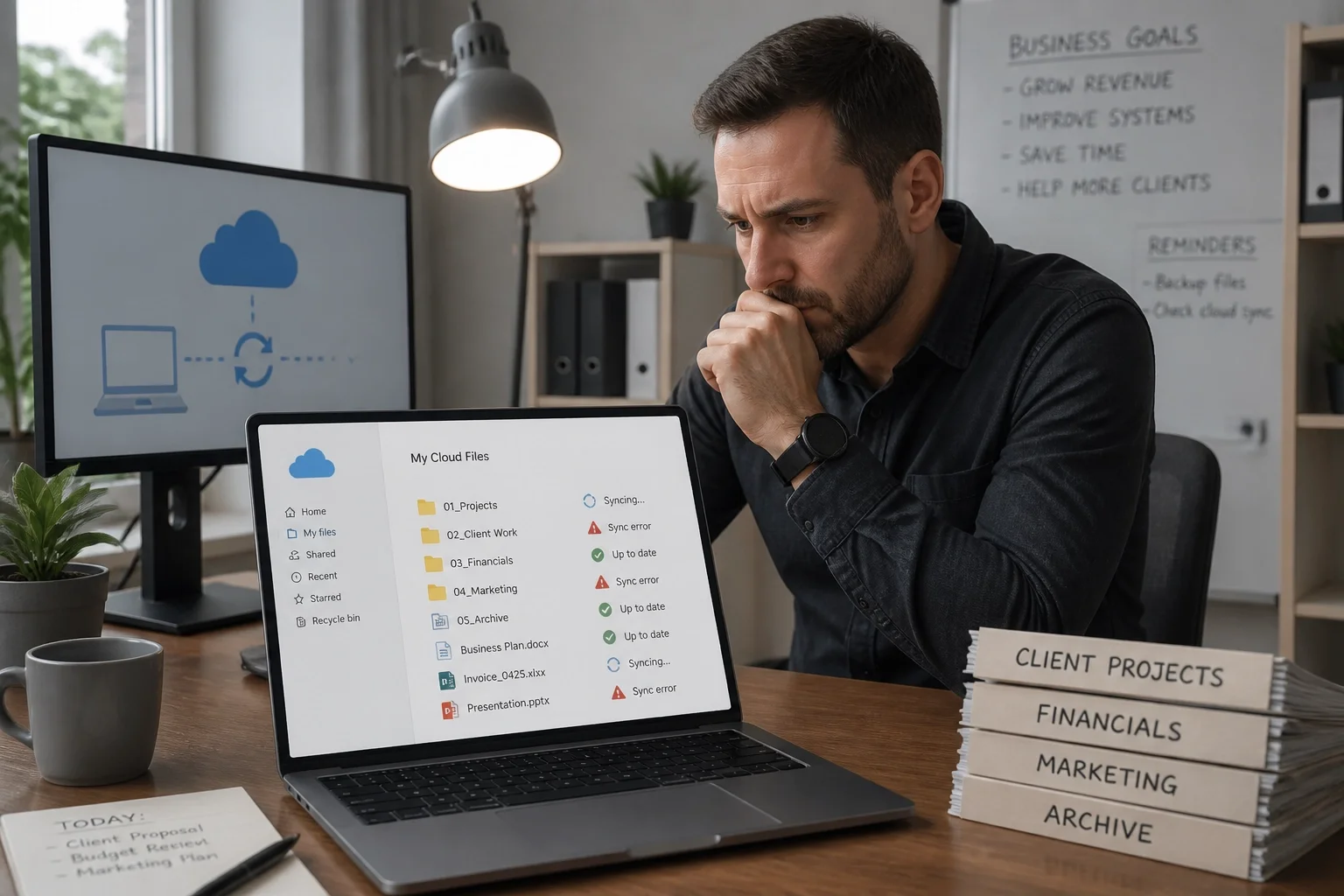
Having organized folders is only part of it. Your files also need to open where they're supposed to, stay available across devices, and remain under your business's control.
That's why support matters. I help with the full setup behind the scenes so your OneDrive, SharePoint, Outlook, Teams, and Microsoft 365 apps work together the way they should. You don't need to know the technical name for the problem. Just tell me what's happening, and I'll take it from there.
My process is simple:
Tell me what's happening
I choose the simplest way to help
I fix it and explain what matters
If you need help now, call or text me at (209) 322-9702. Remote support is available nationwide, and local on-site help is available in Oakdale and surrounding Central Valley communities.
The Professional Advantage of Microsoft 365
For a business, a proper Microsoft 365 setup makes a big difference. It helps your business email look professional. It keeps your files in one place. It makes it easier to stay organized as work comes in and your business grows.
It also helps keep business files with the business instead of scattered across personal accounts and random devices. That's important for consistency, professionalism, and peace of mind.
I help with:
Microsoft 365 setup and migration
Outlook and business email
OneDrive and SharePoint
Teams and Office apps
Security and administration
If your setup already feels a little mixed together, don't wait for it to get worse. It's usually easier than you think to get things cleaned up and working properly.
Why Getting Organized Early Helps
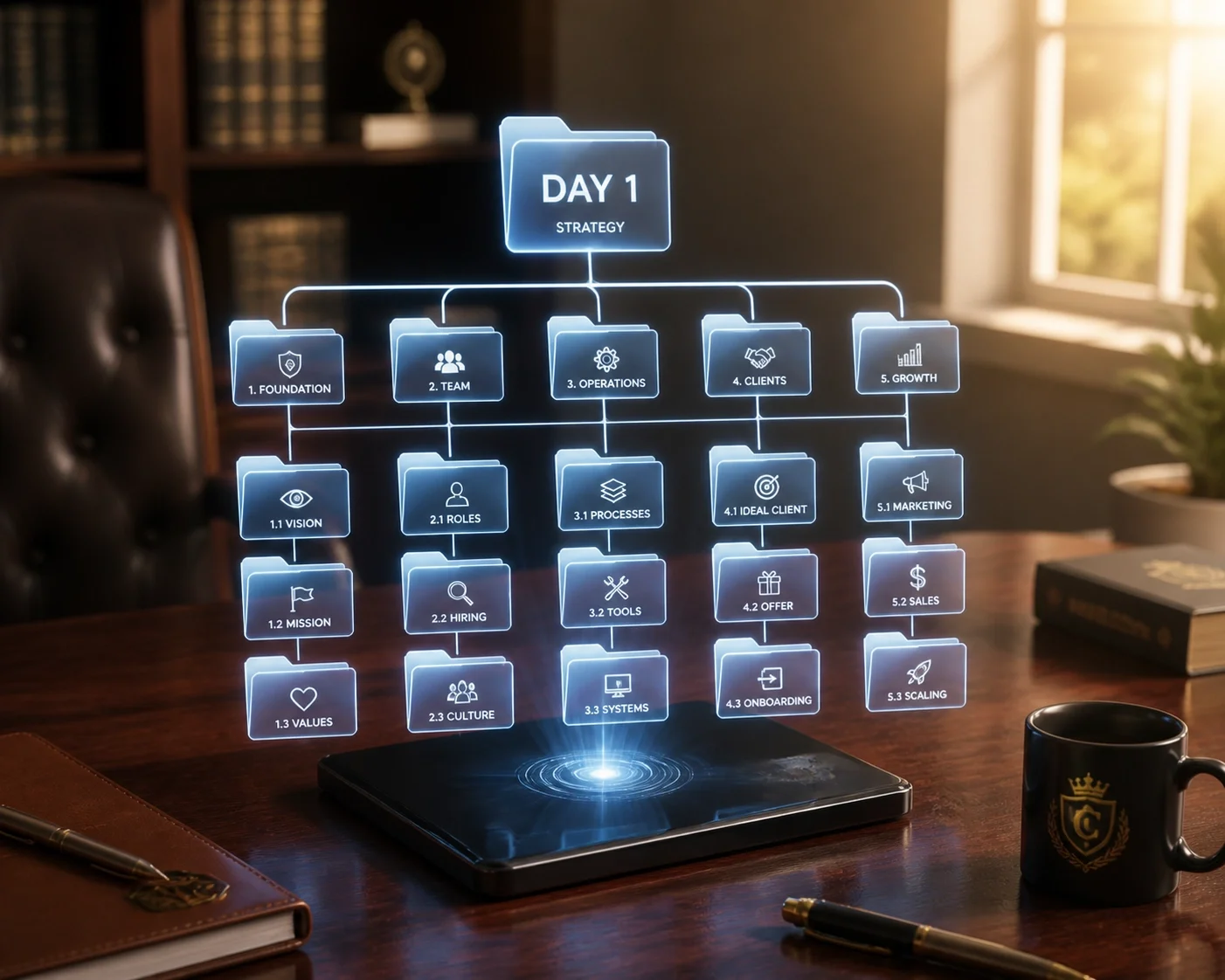
If your business files are already a little messy, that's common. The sooner you get things organized, the easier everything becomes. You spend less time looking for documents, less time second-guessing where things were saved, and less time dealing with avoidable interruptions.
A clean file setup also makes it easier to keep business information under control as your company grows. That's good for daily work, client service, and overall peace of mind.
Why Work With Me for Your Launch?
You're busy building your business. You shouldn't have to spend hours trying to sort out business email, OneDrive, SharePoint, Outlook, or Microsoft 365 on your own.
When you work with me, you work directly with me, Anita Balint. No call center. No ticket numbers. No getting passed around to a different person every time. I bring 20+ years of hands-on experience, and I keep the help plain-English and practical.
I can help with:
Business email and Outlook
Microsoft 365 setup and migration
OneDrive and SharePoint
Teams and Office apps
Windows and everyday computer issues
Security, administration, and ongoing support
If your computer itself is part of the problem, I also help with Windows and general computer support.
My billing is straightforward too:
No long-term contract required
Remote support billed in 6-minute increments
No one-hour minimum for remote support
On-site visits have a one-hour minimum
One-time, as-needed, or ongoing support
Don't Let Tech Problems Slow Down Your Business
Your time is better spent serving clients and growing your business. I'll handle the setup, cleanup, and support so your files, email, and Microsoft 365 tools work the way they should.
I'm based in Oakdale, California. I provide local on-site support in Oakdale, Modesto, Stockton, Turlock, Riverbank, Manteca, Lodi, and surrounding Central Valley communities across parts of Stanislaus and San Joaquin Counties. I also provide remote support nationwide.
If you'd like to learn more about my services, you can visit TaskAlign's homepage, see my Microsoft 365 support, or get help with computer support.
Contact Anita Today
If your business files are scattered, your email setup doesn't feel right, or your Microsoft 365 setup needs attention, I can help.
Call or Text Anita: (209) 322-9702
I work with small businesses, solo professionals, and individuals who want straightforward help without the runaround. If you're in Modesto, Stockton, Turlock, Oakdale, Riverbank, Manteca, Lodi, or a surrounding Central Valley community, I can help on-site when needed. If you're outside the area, I also offer remote support nationwide.
TaskAlign: Personal computer support from Anita Balint. No long-term contract required. Just straightforward help when you need it.