
Business Email on Your Own Domain: What to Expect When You Switch
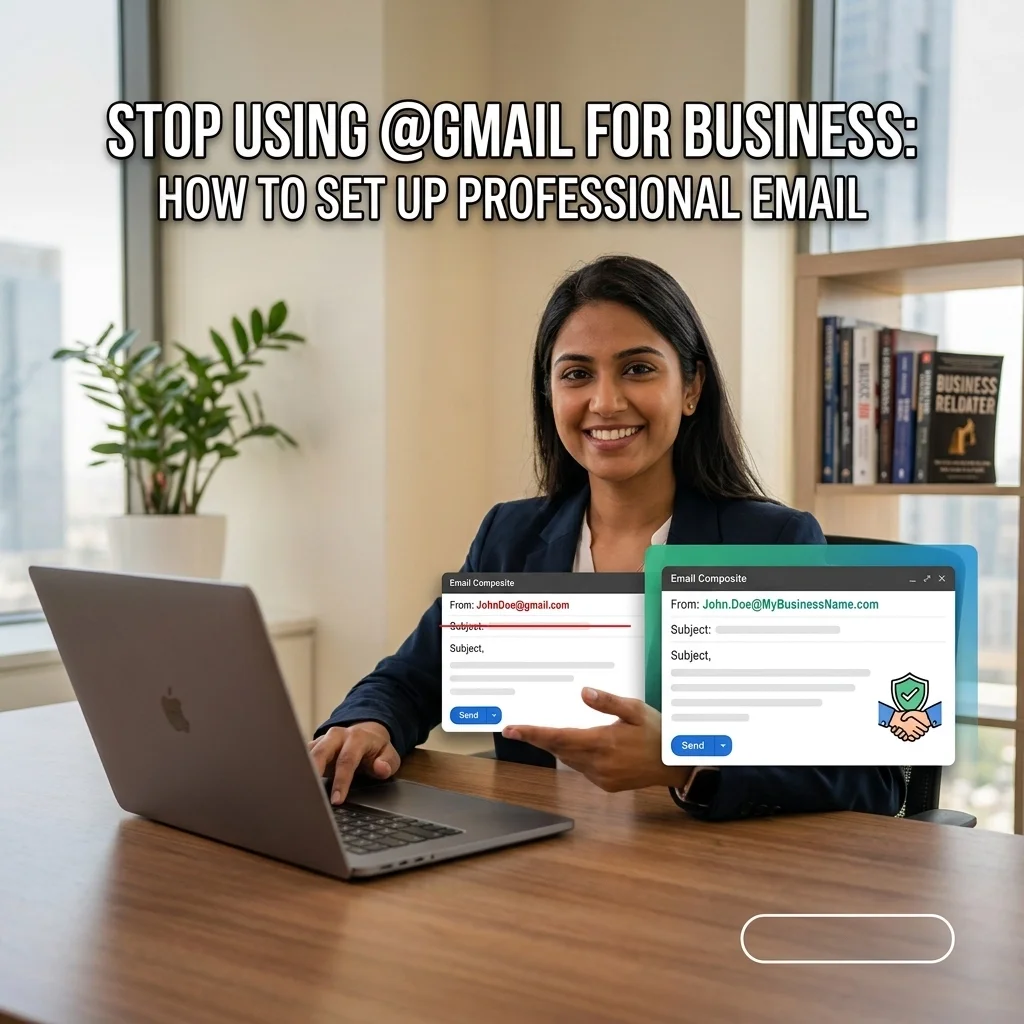
Starting a business comes with enough to think about already. One of the easiest mistakes to make is using a personal @gmail.com or @yahoo.com address for business because it seems good enough for now.
The problem is that "good enough for now" often turns into something you have to redo later. If you want help getting your email and Microsoft 365 set up the right way from the start, Call or Text Anita: (209) 322-9702.
I work directly with my clients, so when you contact TaskAlign, you get me. No call center, no ticket numbers, and no getting passed around to a different person every time. I’m based in Oakdale, California, with remote support available nationwide and local on-site support in Oakdale and surrounding Central Valley communities.
Why a Business Email Address Makes a Better First Impression
When you send a quote, invoice, or contract from a personal email address, it can make your business look less established than it really is. A business email address tied to your own domain simply looks more polished and more trustworthy.
It also keeps your business communication feeling separate from your personal inbox, which makes day-to-day work easier. If you're ready to clean that up, I can help with business email, Outlook, and Microsoft 365 support without making it complicated.

Why Getting It Set Up Right the First Time Matters
Email setup usually looks simple from the outside. In real life, there are several parts that all need to work together properly, and if even one piece is off, your business email can stop working when you need it most.
That’s why I handle the whole setup for you. I keep it simple: you tell me what’s happening, I choose the simplest way to help, and I fix it while explaining what actually matters in plain English.
You don’t need to know the technical name for the problem. If something feels off, or if you’re starting from scratch and want it done right, I can take care of it through my Microsoft 365 support services.
Why I Recommend Microsoft 365 for Small Businesses
For most small businesses, I recommend Microsoft 365 because it keeps important tools together in one place. That includes business email, Outlook, OneDrive, SharePoint, Teams, Office apps, and the administration and security settings that go with them.
It’s a practical choice for businesses that want something familiar, reliable, and easier to manage as they grow. If you need help with setup, migration, or ongoing support, that’s exactly what I do through TaskAlign’s Microsoft 365 support page.
And if your computer setup also needs attention, I can help with that too through my computer support services. Call or text me at (209) 322-9702 if you want to talk through what would make the most sense for your business.

What Happens When Business Email Stops Working
This is one of those problems that can bring your day to a halt fast. You’re trying to reply to a client, send an invoice, or access an important message, and suddenly email isn’t working the way it should.
When that happens, I fix it. I help with Outlook, business email, Microsoft 365 accounts, OneDrive, SharePoint, Teams, and everyday computer problems, and I explain things in plain English so you know what matters without getting buried in jargon.
If you need help now, call or text (209) 322-9702 or visit TaskAlign.com to see the kinds of support I offer.
Local Central Valley Support, Plus Remote Help
I’m based in Oakdale, California, and I work with clients in Modesto, Stockton, Turlock, Oakdale, and surrounding Central Valley communities. If you're nearby, I offer local on-site support in parts of Stanislaus and San Joaquin Counties. If you're not local, I also provide remote support nationwide.
What clients usually appreciate most is that support stays personal. You work directly with me, Anita Balint. I have 20+ years of hands-on experience, and I keep the process simple and straightforward from the first call.
Billing is straightforward too. There’s no long-term contract required. Remote support is billed in 6-minute increments with no one-hour minimum, and on-site visits have a one-hour minimum. You can get one-time help, as-needed support, or ongoing support depending on what you need.

Getting the Foundation Right Early Saves You Trouble Later
When your business setup is handled properly at the beginning, you avoid a lot of frustration later. You don’t have to circle back and redo accounts, untangle email problems, or clean up a system that never felt fully finished in the first place.
I can help you get that foundation in place so things work the way they should from the start. If you want support with Microsoft 365, Outlook, email, OneDrive, SharePoint, or general computer setup, take a look at my Microsoft 365 support and computer support services, or just call or text me at (209) 322-9702.
You Have Better Things to Do Than Chase Tech Problems
If your email, Outlook, or Microsoft 365 setup is getting in the way of your work, it’s worth getting help. You shouldn’t have to spend your day chasing computer problems when you’re trying to run a business.
That’s where I come in. I keep support personal, practical, and easy to understand, whether you need help once, every now and then, or on an ongoing basis.

Get Your Professional Setup Today
If you're tired of using a personal email address for business, or if your current setup has been giving you problems, I can help you get it sorted out. I handle business email, Microsoft 365 setup and migration, Outlook, OneDrive, SharePoint, Teams, Office apps, security, administration, and general computer support.
You don’t need to know the technical terms. Just tell me what’s happening, and I’ll figure out the simplest way to help.
Call or Text Anita: (209) 322-9702
I’m based in Oakdale and serve Modesto, Stockton, Turlock, Oakdale, and surrounding Central Valley communities, with remote support available nationwide. You can also visit TaskAlign.com or see my Microsoft 365 support services if you'd like to learn more before you call.