
The Solo Founder Tech Checklist: Essentials for a Smooth Launch
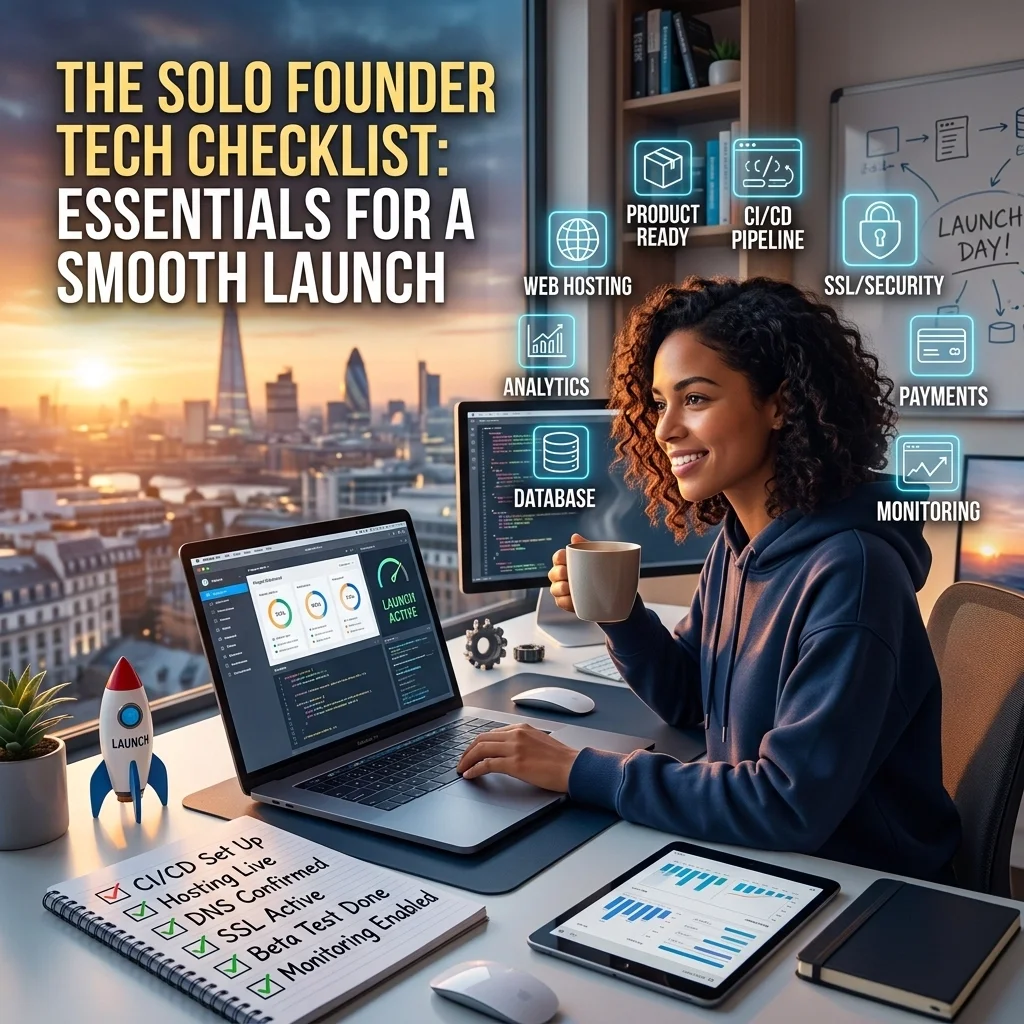
So, you’ve finally done it. You’ve traded the steady paycheck for a dream, a laptop, and enough caffeine to power a small city. You are officially a solo founder. You’re the CEO, the Head of Sales, the Marketing Director, and, whether you like it or not, the Janitor.
But here is the one job title you really don’t want: The Frustrated IT Guy.
When you’re running a business in Modesto, Stockton, or anywhere in the Central Valley, your technology is your entire infrastructure. If your computer is slow, your business is slow. If your email isn't syncing, you aren't getting paid. Most startups begin with a "MacGyver’d" setup of free apps and an old laptop, but that digital house of cards will eventually fall.
This checklist is about building a foundation that doesn’t just "work" today but scales with you as you grow from a solo operation to a local powerhouse.
1. The Hardware: Stop Bringing a Knife to a Gunfight
We’ve all seen it: the founder sitting in a coffee shop in Tracy, staring at a spinning wheel of death on their five-year-old laptop while a client waits on Zoom.
Your hardware is the engine of your business. If you are running your entire company off a machine you bought for college, you are taking a massive risk. For a smooth launch, you need a business-grade machine.
The Solo Founder Hardware Minimums:
A Modern Processor: Think Intel i5/i7 or AMD Ryzen 5/7. Anything less, and you’ll be pulling your hair out.
16GB of RAM: This is non-negotiable. 8GB is the "minimum," but if you have more than three Chrome tabs and Outlook open, your computer will crawl.
Solid State Drive (SSD): If your computer still uses a traditional spinning hard drive, upgrade immediately. An SSD makes everything, from startup to saving files, lightning fast.
Windows 11 Pro: With Windows 10 reaching end-of-life, you need to ensure you’re on a supported, secure operating system.
Professional setup means more than just unboxing. It means stripping away the "bloatware" that manufacturers cram onto new PCs and ensuring your security settings are locked down before you ever connect to public Wi-Fi at a Stockton biz-hub.
2. Professional Identity: Ditch the @gmail.com Address
Nothing says "I’m just doing this as a hobby" quite like sending a professional proposal from johnny_founder_1988@gmail.com.
If you want the big contracts in Stanislaus County, you need to look the part. That starts with a custom domain and a professional email setup.
A professional Microsoft 365 business email upgrade gives you instant credibility. It’s not just about the name; it’s about the infrastructure behind it. When TaskAlign sets up your domain, we handle the complex DNS settings that ensure your emails actually land in the inbox and don't get flagged as spam.
The Identity Checklist:
Custom Domain: something like @YourBusiness.com.
Business-Grade Email: Hosted on Microsoft 365 (not a free consumer account).
Electronic Signature: A clean, professional sign-off with your contact info, including your local (209) number.
3. The Productivity Stack: Microsoft 365 vs. "The Free Stuff"
It’s tempting to use a patchwork of free tools, Google Docs here, a free Slack tier there, some random cloud storage over there. But eventually, you’ll spend more time trying to get these tools to talk to each other than actually working.
This is why we advocate for a unified Microsoft 365 environment. It’s the gold standard for a reason. You get Word, Excel, PowerPoint, and, most importantly, Outlook and Teams in one ecosystem.
However, many founders fall into the trap of the "DIY Setup," which often results in major headaches. Why DIY Microsoft 365 setup costs more in the long run is simple: downtime. If you misconfigure your user permissions or fail to set up your security defaults, you’re looking at lost data or hacked accounts.

4. Cloud Storage and File Organization (The OneDrive Trap)
"Where did I save that proposal?" is a question that should never haunt you.
As a solo founder, you need to be mobile. You might be working from your home office in Oakdale in the morning and a client site in Modesto in the afternoon. You need your files to follow you.
OneDrive and SharePoint are incredible tools, but they are notoriously finicky if not configured correctly. We see it all the time: files that won't sync, "conflicting copy" errors, or, worst of all, deleted files that were never actually backed up to the cloud.
A professional setup ensures that your "Desktop," "Documents," and "Pictures" folders are automatically syncing to the cloud. If you drop your laptop in a puddle tomorrow, you should be able to log into a new one and have every single file exactly where you left it.
5. Security: Your "Insurance Policy"
You might think, "I'm just one person, why would a hacker care about me?"
Hackers love solo founders. Why? Because you're busy, you're distracted, and you probably haven't set up multi-factor authentication (MFA) properly.
A smooth launch requires a security-first mindset:
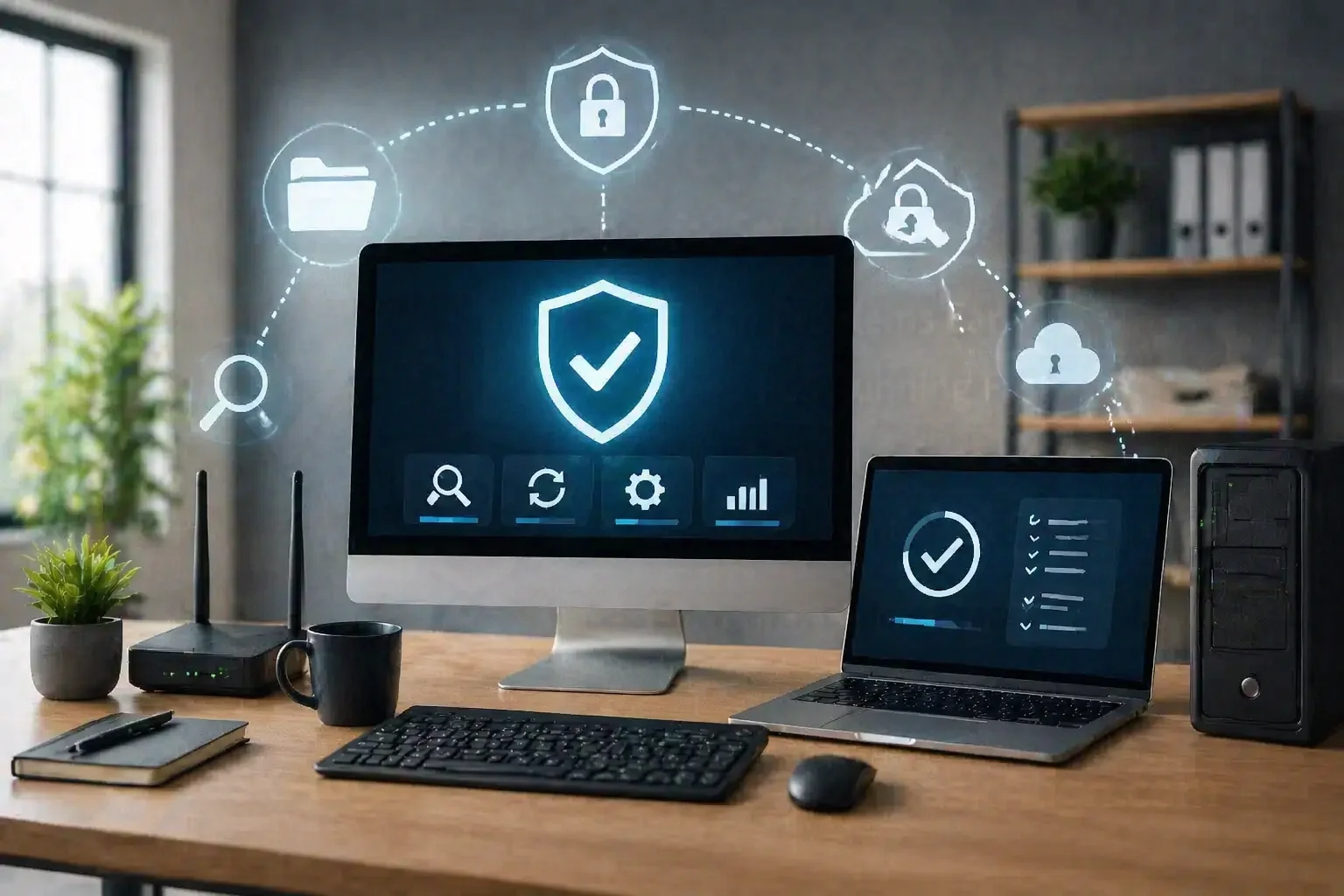
Managed Antivirus: Not the free stuff that pops up ads every ten minutes. You need business-grade protection that monitors for ransomware.
Password Management: Stop using the same password for everything.
Multi-Factor Authentication: If someone gets your password, MFA is the only thing standing between them and your bank account.
TaskAlign specializes in preventing IT problems before they start. We don't just "install software"; we harden your system against the specific threats small businesses face today.
6. The "On-Call" Support Factor
The biggest difference between a "tech-savvy founder" and a "successful founder" is knowing when to delegate.
Every hour you spend googling "how to fix Outlook sync error" is an hour you aren't selling, networking, or building your product. You aren't just losing time; you're losing money.
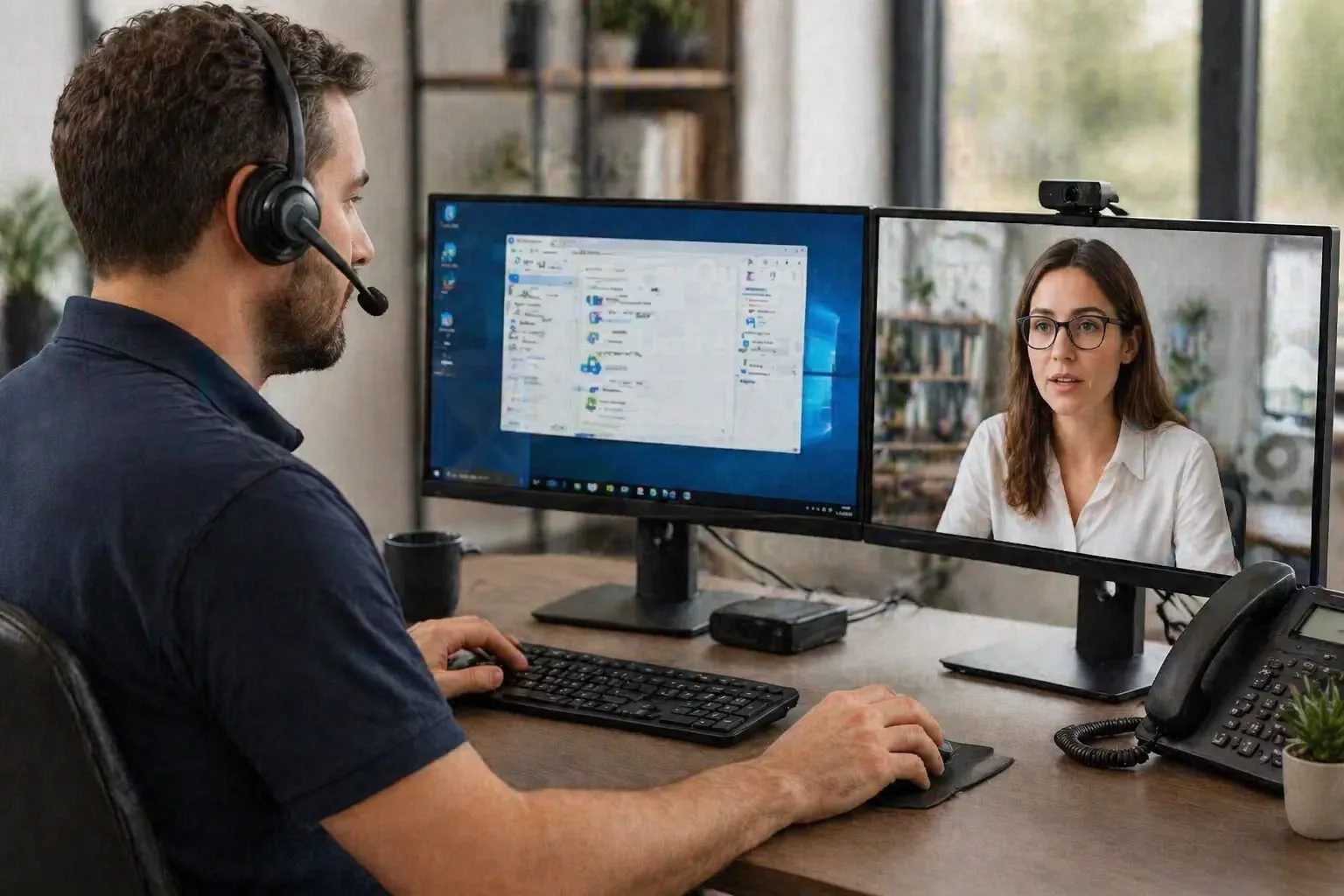
Having on-demand computer support means you have a "Panic Button" when things go sideways. Whether it’s a weird Windows update that breaks your printer or an Outlook not syncing issue, you need a local expert who can jump in and fix it, often remotely, without you leaving your desk.
Why Professional Setup Wins Every Time
You could spend your weekend watching YouTube tutorials on how to set up Microsoft 365, or you could let TaskAlign handle it while you enjoy a Saturday in downtown Modesto.
When we handle your tech checklist, we ensure:
It's done right the first time. No "oops, I deleted my email history" moments.
It's secure. We close the back doors that hackers look for.
It's local. We are right here in the (209). If you need us onsite, we're there.
Your business deserves a professional start. Don't settle for a "good enough" setup that will break the moment you get busy.
Ready to Launch?
If you're a solo founder in Stanislaus or San Joaquin County, don't play IT support for yourself. Let us build your tech foundation so you can build your empire.
Call TaskAlign today at (209) 322-9702 for a professional setup that just works.
We proudly serve:
Modesto
Stockton
Tracy
Turlock
Manteca
Oakdale
Lodi
And the surrounding Central Valley areas.
Stop playing IT support for yourself and start being the CEO. Visit TaskAlign.com to learn more about our on-call support and professional Microsoft 365 setup services.