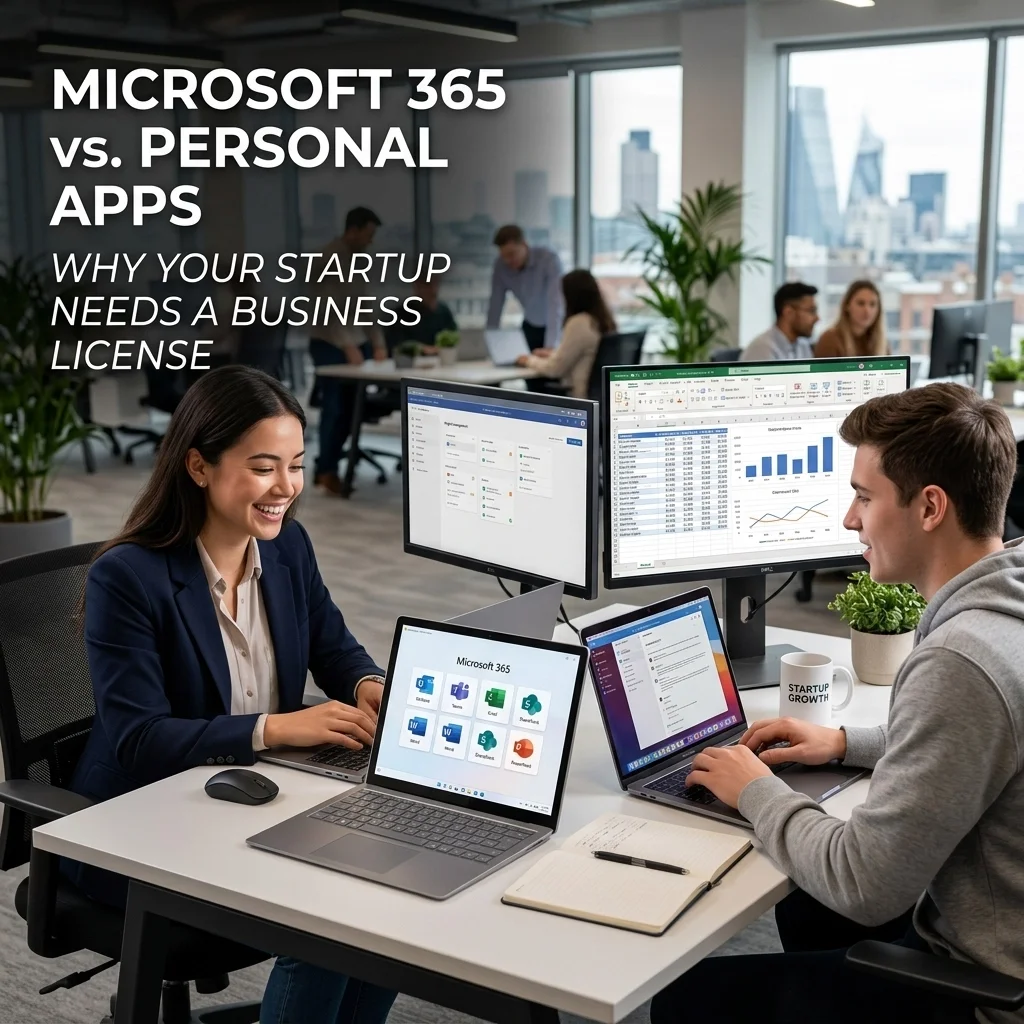
Microsoft 365 vs. Personal Apps: Why Your Startup Needs a Business License
Call or Text Anita: (209) 322-9702
You have the business plan. You have the passion. You might even have your first few clients lined up in Modesto or Stockton. But as you sit down to "set up your tech," you hit a fork in the road: Do you just use the personal Microsoft account you’ve had for years, or do you step up to a Business license?
It is tempting to take the path of least resistance. After all, you already know how to use Word and Excel. Why pay for a business subscription when you can just "make it work" with what you have?
The truth is that starting your business on a personal license is one of the most common: and expensive: mistakes new entrepreneurs make. While personal apps are great for recipes and school projects, they lack the "engine" required to run a professional operation. At TaskAlign, I see businesses in Turlock and Oakdale struggle every week because their microsoft 365 setup help was skipped at the start, leading to a messy migration down the road.
The Identity Crisis: @outlook.com vs. YourBrandedDomain.com
The first thing a potential client looks at isn’t your website; it’s your email address. If you are sending quotes from john.smith.plumbing@outlook.com, you are telling the world you are a hobbyist.
When you invest in a Microsoft 365 Business license, you unlock the ability to use a custom domain. This means your email looks like john@smithplumbing.com. This isn't just about vanity; it's about trust and authority.
In the competitive Central Valley market, looking established from day one gives you a massive advantage. If you are having trouble getting your custom domain to talk to your inbox, or if your fix email problems outlook search history is growing, it’s a sign your foundation is shaky. I can handle the DNS records and background "tech magic" to ensure your professional email works perfectly on your phone and computer.
Why "Personal" Apps Lead to "Microsoft 365 Not Working" Frustrations
Personal Microsoft accounts are designed for one person and one device-set. They are not built for the rigors of business life. Here is where the "not working" complaints usually start:
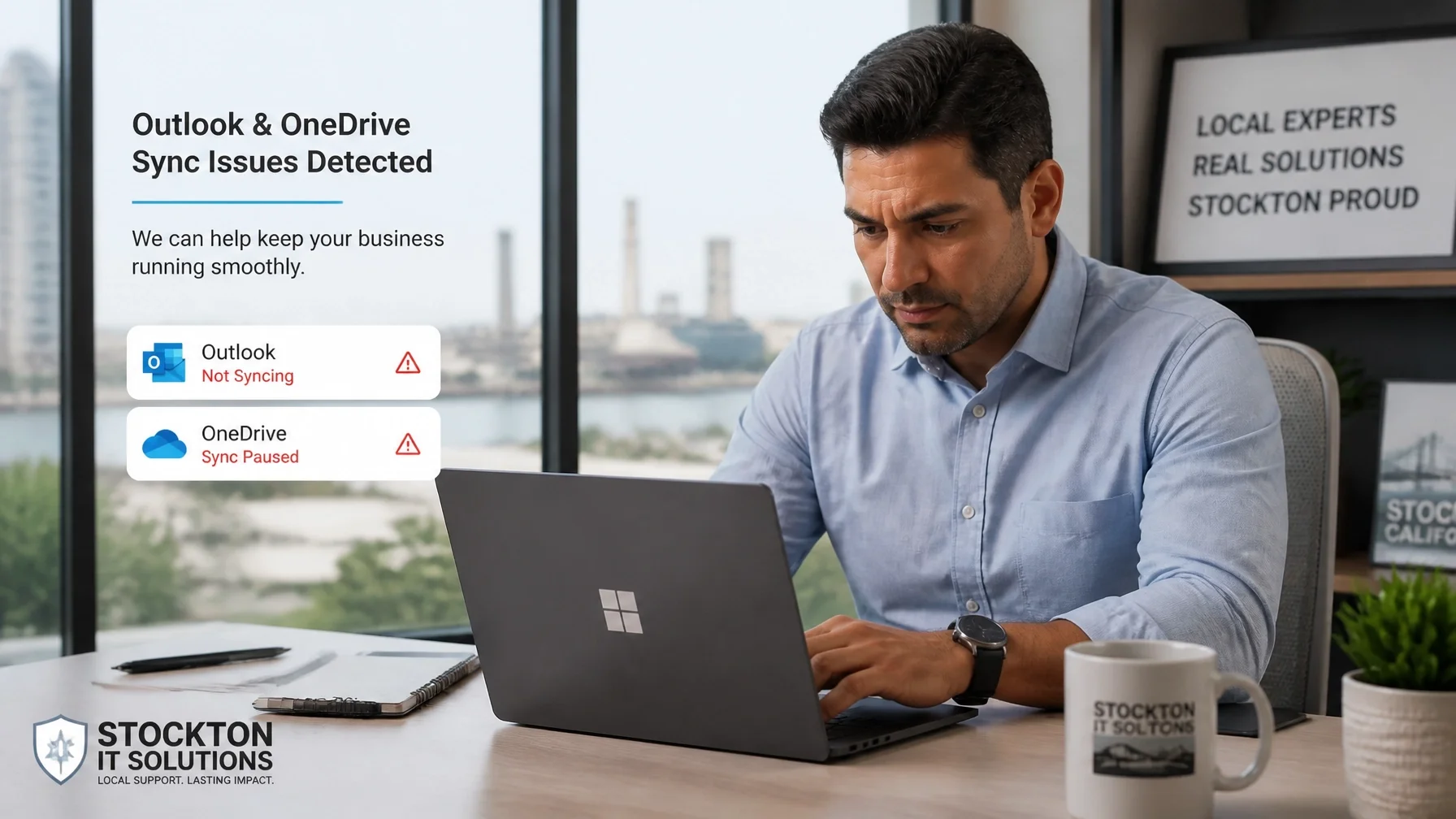
Syncing Nightmares: Personal OneDrive accounts often conflict with business files, leading to duplicated documents and lost work.
Storage Caps: You’ll hit that 15GB or 50GB limit faster than you think once you start receiving high-res PDFs and invoices.
Outlook Glitches: Personal versions of Outlook often struggle with the advanced calendar features needed to schedule meetings with clients in different time zones or even just across town in Modesto.
If you find yourself constantly seeing "Sync Error" or "Storage Full" messages, your business is already being throttled. I specialize in clearing these bottlenecks before they cost you a contract.

Security and Data Ownership: Who Really Owns Your Business?
This is the most critical point that many new founders overlook. On a personal license, you are the user, but you aren't really the "Admin."
When you move to a Business license, you gain access to the Microsoft 365 Admin Center. This is the cockpit of your business. If you ever hire an assistant or a partner, you can grant them access to specific files while keeping your financial records private.
More importantly, if a laptop is lost in Stockton or a phone is stolen in Turlock, a Business license allows for remote data wiping. On a personal account, if that device is gone, your client data is gone: and potentially in the wrong hands.
TaskAlign helps you set up these security guardrails from the very first day. We ensure your data is backed up, encrypted, and owned exclusively by your company, not tied to a personal login that could be compromised.
Collaboration Tools: Beyond Just Word and Excel
Many startups think Microsoft 365 is just "the Office apps." On a Business license, you are actually getting a full-scale productivity suite that includes:
Microsoft Teams: Not just for video calls, but for internal chat, file sharing, and project organization.
SharePoint: A professional file system that replaces that messy "My Documents" folder on your desktop.
Microsoft Bookings: A tool that lets your clients in Oakdale book appointments directly on your calendar without the "Are you free at 2:00?" email back-and-forth.
Trying to piece these together using different free tools (a little bit of Google, a little bit of Zoom, a little bit of Dropbox) creates a "Frankenstein" tech stack. It’s confusing for you and unprofessional for your clients. A unified Microsoft 365 setup is cleaner, faster, and easier to manage.
The "Migration Headache" (And How to Avoid It)
I often get calls from business owners who have been running on a personal account for two years. They finally decide to "go professional," but now they have thousands of emails, hundreds of files, and dozens of saved passwords tied to a personal @live.com or @outlook.com address.
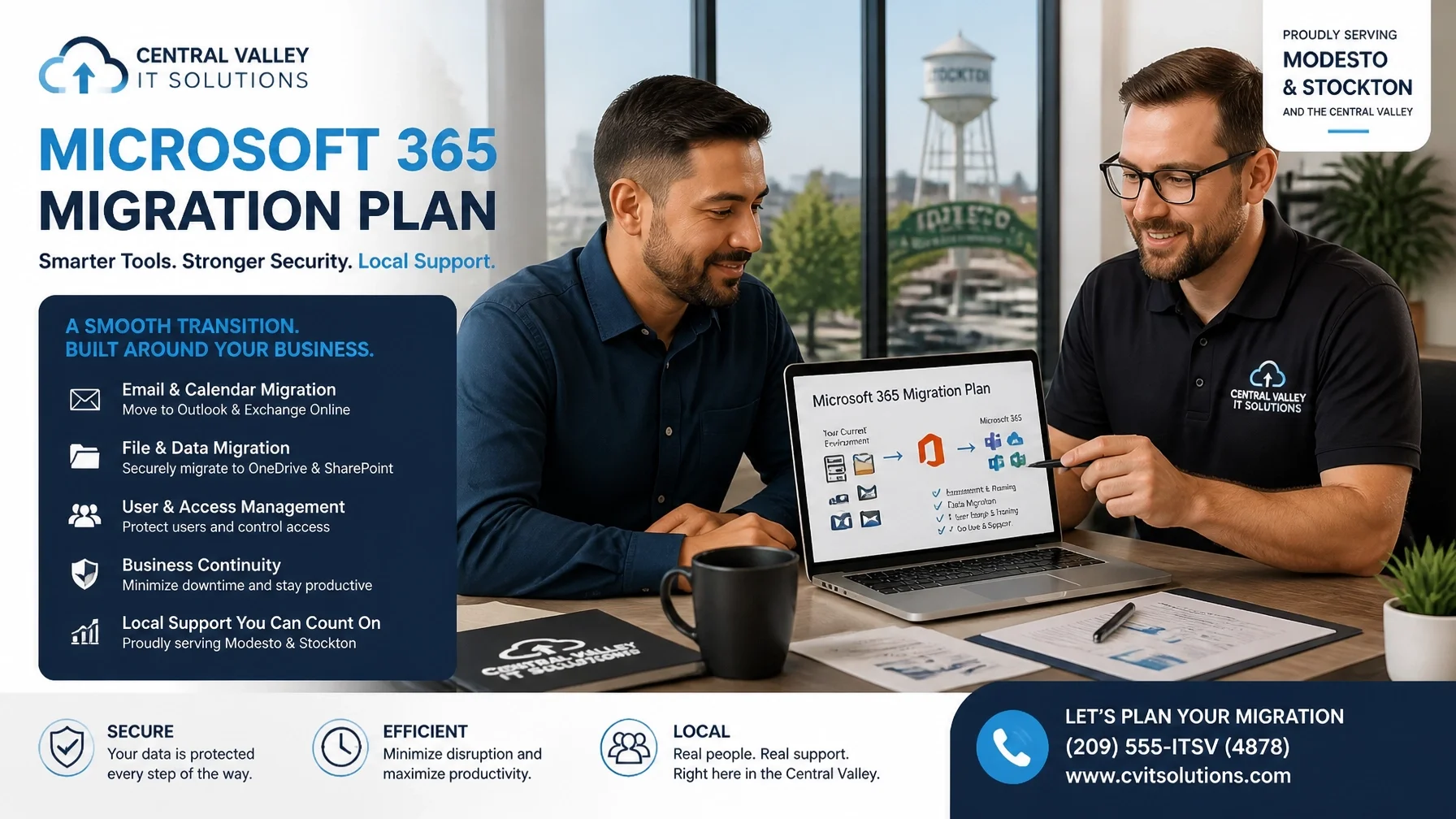
Migrating from personal to business is complicated. It’s not a simple "flick of a switch." It involves moving data, reconfiguring Outlook profiles, and ensuring no downtime occurs.
It is significantly cheaper and faster to start with a Business license now than to fix a mess later.
If you are planning to launch in the next few weeks, let's get it right the first time. I can walk you through the license selection (Business Basic vs. Business Standard) and handle the entire setup. You won't have to worry about fix email problems outlook or why your calendar isn't syncing; it will just work.
Local Support for Modesto and Beyond
Technology should be a tool that propels you forward, not an anchor that holds you back. When you are building a business in the Central Valley, you need a partner who understands the local landscape and the specific needs of a growing company.
Whether you are a solo contractor in Oakdale or a boutique agency in Stockton, TaskAlign provides the professional IT foundation you need to compete with the "big guys." We offer:
Professional Microsoft 365 Setup: Tailored to your specific business needs.
Email Domain Configuration: Making sure you look professional from the first click.
On-Demand Troubleshooting: Quick fixes when things aren't working as they should.
Security Audits: Ensuring your startup's data is locked down.
Don't let "good enough" tech be the reason your startup stalls. Start professional, stay secure, and focus on what you do best: growing your business.
Ready to get your business tech sorted?
Stop struggling with personal apps that weren't built for your goals. Let's get your professional Microsoft 365 environment set up today so you can hit the ground running tomorrow.
Call or Text Anita at (209) 322-9702.
I provide expert computer support and Microsoft 365 services for businesses in:
Modesto
Stockton
Turlock
Oakdale
Riverbank
Ripon
Call or Text Anita: (209) 322-9702