
New Laptop, No Stress: Setting Up Your Business Computer the Right Way
Call or Text Anita: (209) 322-9702
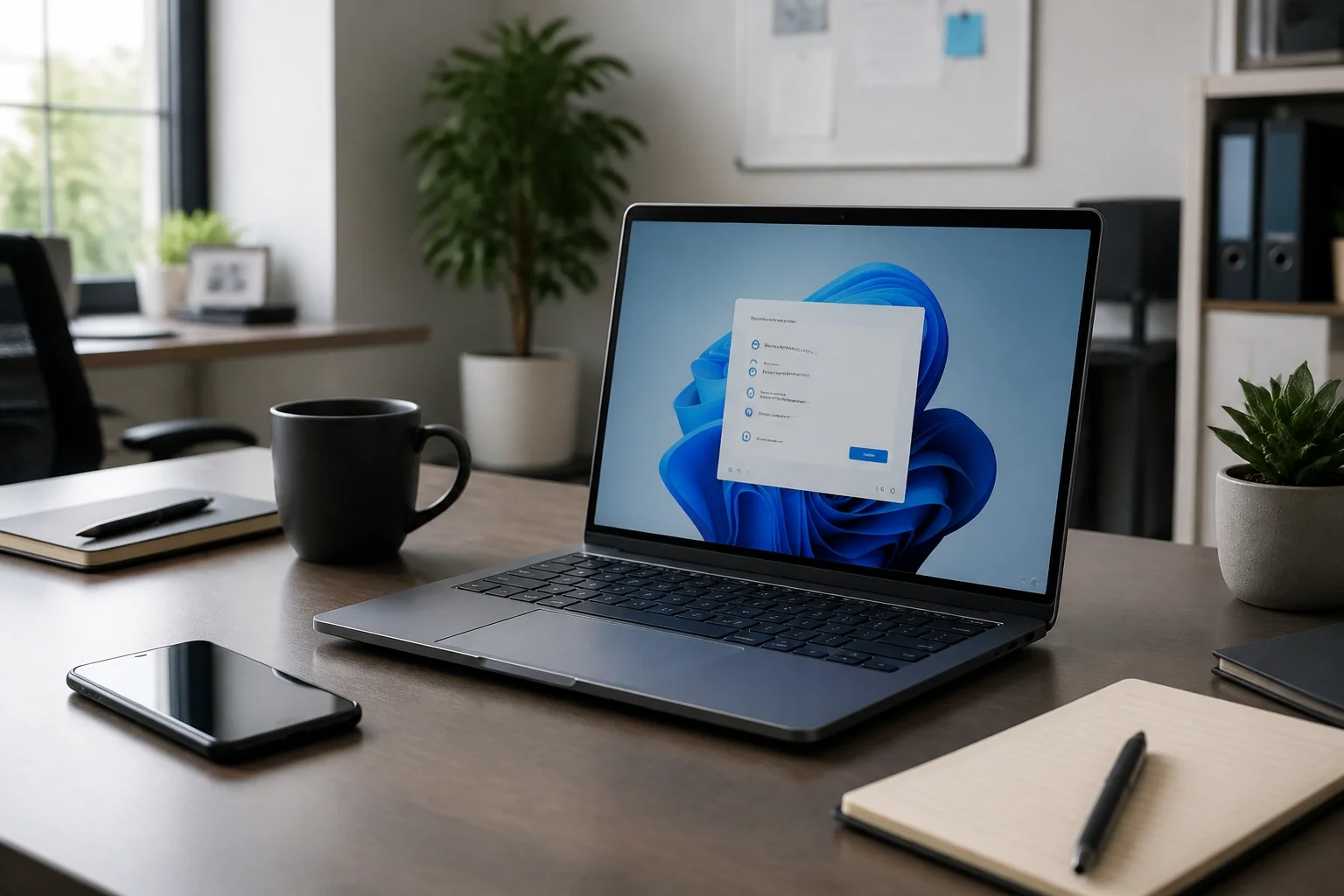
You finally did it. You bought a new laptop for your business. It’s sitting on your desk, ready to go, and instead of feeling excited, you’re already wondering how much time this is about to take.
That’s usually the part people don’t see coming. A new computer looks ready out of the box, but getting it set up properly for real work is a different story.
If you want help with new computer setup and general computer support, call or text me at (209) 322-9702. I work directly with my clients, so when you reach out, you get me. No call center. No ticket numbers. No getting passed around.
I’ve been doing this for 20+ years, and I keep it simple. You tell me what’s happening, I choose the simplest way to help, and I fix what matters so your computer is ready to work.
The Myth of the "Ready-to-Use" Laptop
A new laptop might turn on just fine, but that doesn’t mean it’s actually ready for business use. There’s a big difference between a computer that starts up and a computer that’s properly set up, connected to the right accounts, and running the way it should.
That’s where I come in. If you need computer support for a new setup or a slow computer, I can take care of it without making you sort through a bunch of technical details. You don’t need to know the name of the problem. Just tell me what’s happening, and I’ll help from there.

Why Business Setup Differs from Home Setup
If this computer is for your business, the setup matters more. You’re not just checking email and browsing the web. You’re handling client communication, files, calendars, logins, and day-to-day work that needs to be available when you need it.
A proper business setup means your computer is set up securely, your accounts are connected correctly, and everything works the way it should from the start. If you use Microsoft 365, Outlook, business email, OneDrive, SharePoint, Teams, or Office apps, I can help with that through my Microsoft 365 support services.
And if you’re not sure what kind of help you need yet, that’s okay too. You can start at TaskAlign and then call or text me at (209) 322-9702.
Moving Your Digital Life: Transfer Files to a New Computer
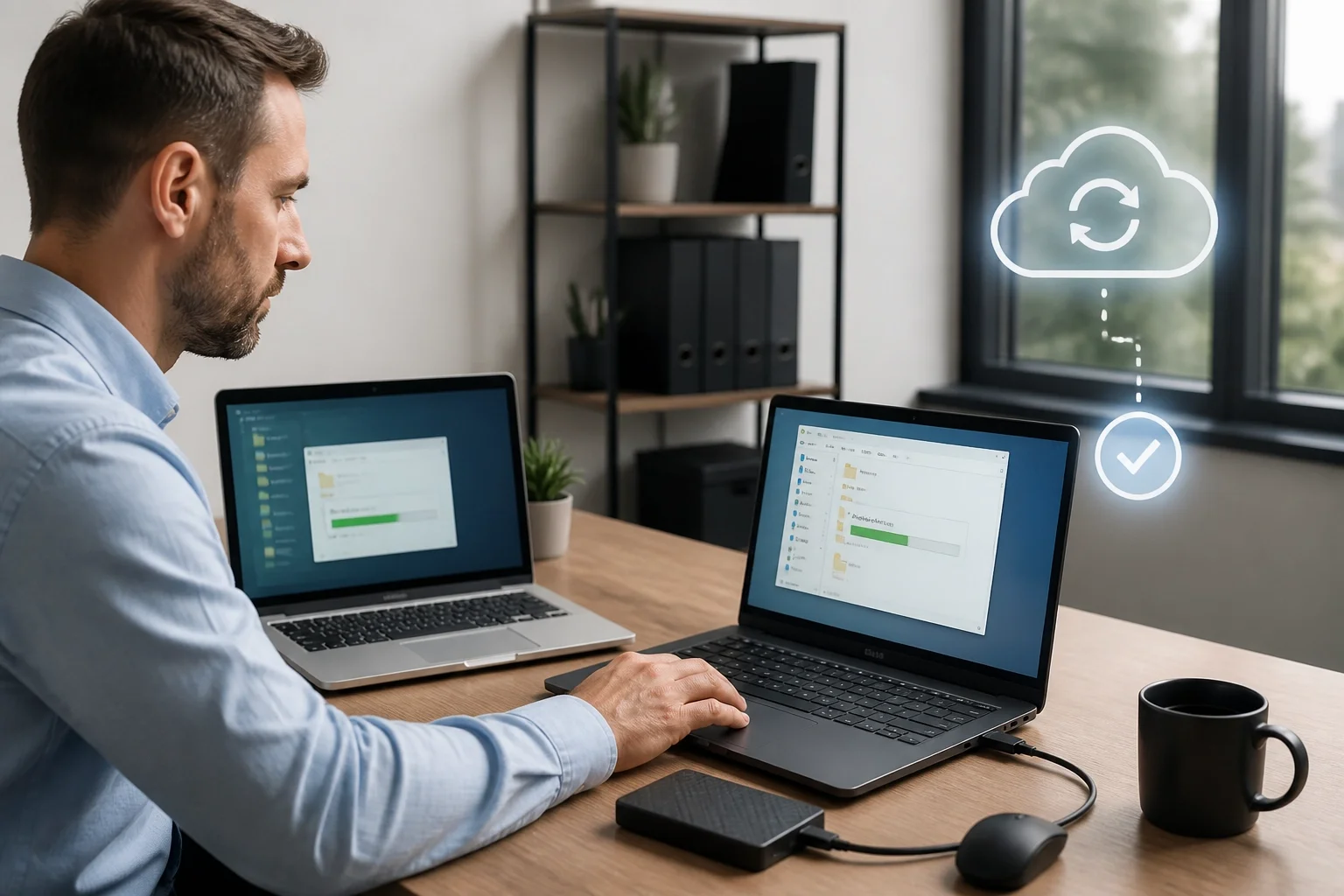
For a lot of people, the hardest part isn’t buying the new computer. It’s everything that has to come with it. Files, folders, email, saved logins, bookmarks, Outlook data, and all the little details you don’t want to lose.
I make that move easier and a lot less stressful. I can help move your files, reconnect the tools you use every day, and make sure your setup still feels familiar when you sit down to work.
If your business depends on OneDrive, Outlook, Microsoft 365, or shared files, this is exactly the kind of thing I handle through both computer support and Microsoft 365 support. Call or text me at (209) 322-9702 if you want help getting it done safely.

The Microsoft 365 Foundation
If you’re starting a business, your email and Microsoft 365 setup need to be right from the beginning. Business email, Outlook, OneDrive, SharePoint, Teams, and Office apps all need to work together in a way that makes your day easier, not harder.
That’s a big part of what I help with. I handle Microsoft 365 setup and support, including migrations, Outlook and business email problems, OneDrive and SharePoint issues, Teams, Office apps, security, and administration.
You shouldn’t have to spend your first week in business fighting with email setup or wondering whether your accounts are connected the right way. If you want it handled for you, call or text me at (209) 322-9702.
Avoiding the "Slow Computer" Trap
One of the most frustrating things I hear is, “This computer is basically new, and it already feels slow.” When that happens, you don’t need more guesswork. You need someone to look at it, clean things up, and get it running the way it should.
That’s part of my computer support service. I help with slow computers, Windows problems, popups and security issues, file problems, and everyday computer trouble for both business and home users. Plain-English help matters. You don’t need to know the technical name for the issue before you call me.

Local Support for the Central Valley
I’m based in Oakdale, California, and I help clients locally and remotely. That means if you’re in Modesto, Stockton, Oakdale, Turlock, or surrounding Central Valley communities, I can provide local on-site support in parts of Stanislaus and San Joaquin Counties. And if you’re outside the area, remote support is available nationwide.
I also keep billing straightforward. There’s no long-term contract required. Remote support is billed in 6-minute increments with no one-hour minimum, and on-site visits have a one-hour minimum. You can get one-time help, as-needed support, or ongoing support.
If you want personal support from the same person every time, call or text me at (209) 322-9702. That’s one of the biggest differences with TaskAlign.
The TaskAlign Difference: Help, Then Hire
When I set up a computer, I keep the process simple:
You tell me what’s happening.
I choose the simplest way to help.
I fix it and explain what matters.
That’s it. No technical runaround. No making you learn a bunch of computer terms first.
I help with business setup like Microsoft 365, Outlook, business email, OneDrive, SharePoint, Teams, Office apps, security, and administration. I also help with home computer issues like slow computers, email problems, popups and security concerns, new computer setup, files and backups, and general Windows help.
If you’ve got a new laptop and want it set up the right way, I can handle that through computer support and Microsoft 365 support. Call or text me at (209) 322-9702 and I’ll help you figure out the next step.
Ready to Start Your Business the Right Way?
Don’t spend your first week with a new computer chasing email problems, file issues, or setup screens that don’t make sense. I can help get it set up properly so you can get back to work.
Whether you need help with a new business laptop, file transfers, Outlook, business email, Microsoft 365, or a computer that just isn’t cooperating, I’m here to help. You can learn more at TaskAlign, or go straight to computer support or Microsoft 365 support.
Call or Text Anita: (209) 322-9702
Email: anita@taskalign.com
Serving Small Businesses in:
Modesto
Stockton
Turlock
Oakdale
And surrounding Central Valley communities.
I’m based in Oakdale, with local on-site support in parts of Stanislaus and San Joaquin Counties and remote support available nationwide. If your computer is giving you a hard time, call or text me at (209) 322-9702.