
Stop Playing IT Support for Your Clients: The Professional’s Guide to Unsticking Business Files
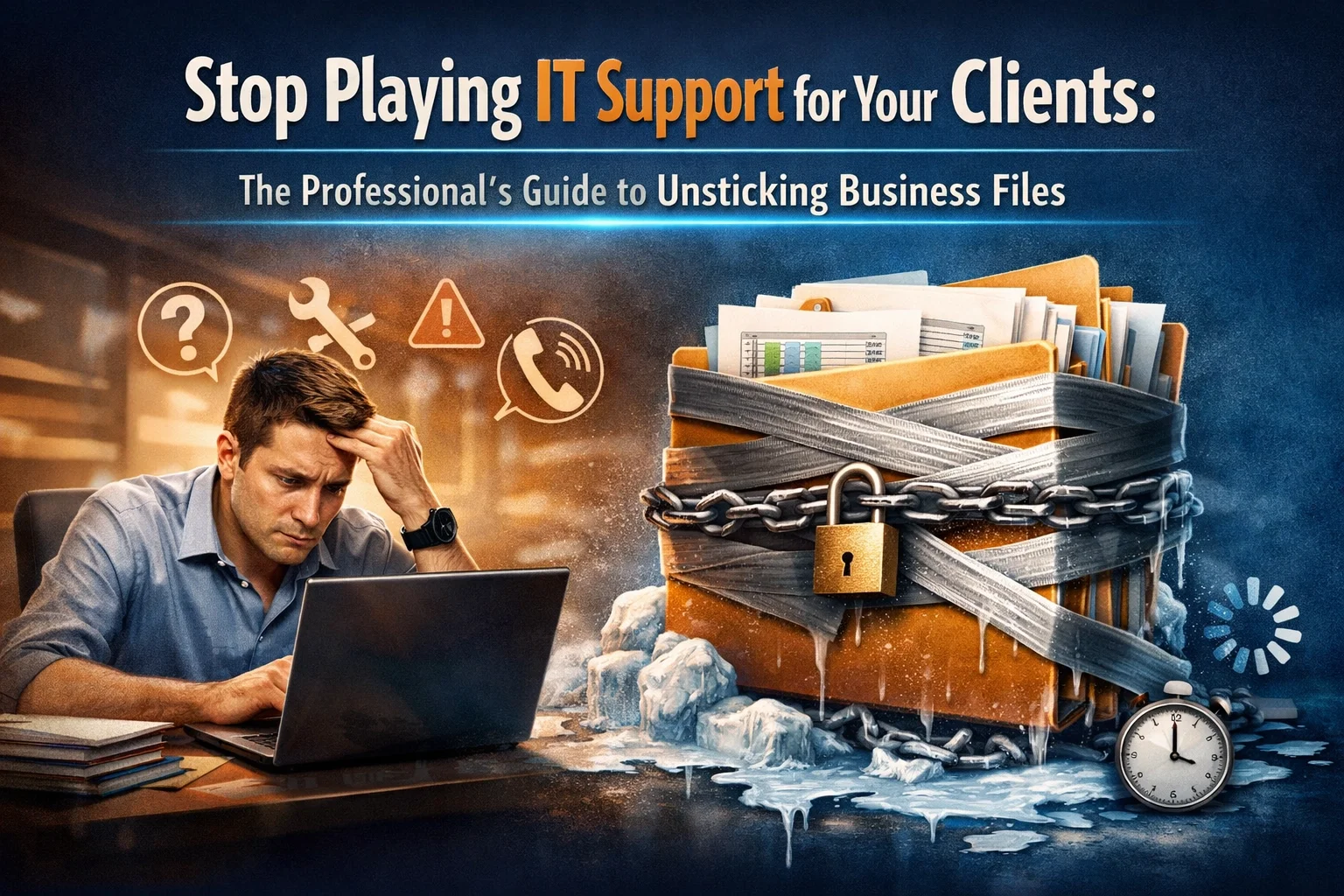
You’re a professional. Your clients hire you for your actual work, not because they want you helping them figure out why a file won’t send or why they can’t open something you need.
But that happens all the time. You ask for a document, and suddenly you’re spending part of your day talking someone through a computer problem that has nothing to do with the service you provide.
That time adds up fast. If you want an easy way to hand that off, call or text me at (209) 322-9702. I can work directly with your client and help keep things moving.
The Hidden Cost of Being the Tech Person
When a client can’t get a file to you, can’t open what you sent, or gets stuck trying to use email or their computer, the work stops. Then you’re the one trying to calm it down, even though it’s not really your job.
That costs you time. It also pulls you out of your lane. Instead of staying focused on your clients as the accountant, agent, advisor, consultant, or attorney they hired, you end up doing side work as unpaid tech support.
The easier option is to hand that part off. If a client is stuck, you can send them to me and stay focused on your own work.

The Kinds of Tech Problems That Slow Everything Down
Most of the time, it’s something simple from your side of the desk and very frustrating from theirs. A client can’t get a file to you. They can’t open what you sent. Their email isn’t cooperating. Their computer is slowing them down right when you need something from them.
The important thing is this: those problems are usually fixable. They just need the right person handling them.
I help with Microsoft 365 support, including Outlook, business email, OneDrive, SharePoint, Teams, Office apps, setup, migration, security, and admin work. I also help with computer support for slow computers, Windows issues, new computer setup, files, backups, and general computer problems.
So when one of your clients gets stuck, you don’t need to sort it out yourself. You can point them my way.
Sending Your Clients to Me Instead
If a client is having a tech problem that’s slowing down your work together, you can just send them to me instead of trying to troubleshoot it yourself.
That’s the whole idea here. You stay in your role. I step in on the tech side.
You don’t need a complicated process. Just have them call or text (209) 322-9702, or send them to TaskAlign. I’ll talk with them directly, figure out the simplest way to help, and get the issue moving in the right direction.
That way, you’re not getting pulled into computer problems that shouldn’t be sitting on your desk in the first place.
How I Work With People
If you’re going to send a client to me, you need to feel comfortable doing that. That matters.
When someone contacts me, they work directly with me, Anita Balint. There’s no call center, no ticket number, and no getting passed around. I’ve been doing this hands-on for 20+ years, and I keep things simple and plain-English.
My process is straightforward:
You tell me what’s happening.
I choose the simplest way to help.
I fix it and explain what matters.
I offer one-time help, as-needed support, or ongoing support. There’s no long-term contract. Remote support is billed in 6-minute increments with no one-hour minimum, and on-site visits have a one-hour minimum. I’m based in Oakdale, California, with local on-site support in surrounding Central Valley communities and remote support available nationwide.

Stop Being the Unpaid Help Desk
You don’t need to be the person trying to sort out every client computer issue that comes up. If they’re stuck, you can simply tell them to give me a call, and I’ll take it from there.
That keeps you in the expert role. It also makes things easier for your client, because they get direct help from someone who does this every day.
If you work with clients who regularly need help with business email, Outlook, Microsoft 365 setup and migration, OneDrive, SharePoint, or security and administration, or with slow computers, Windows issues, new computer setup, files, backups, and general computer problems, I’m here when you need someone reliable to send them to.
You can call or text me anytime at (209) 322-9702.
Ready to Make This Easier?
If you’re tired of being the extra tech person in your client relationships, you can hand that off to me.
I help people directly with Microsoft 365, computer support, and everyday business tech problems in a way that’s simple, calm, and practical. No long-term contract. Just help when it’s needed.
If you’re in Modesto, Oakdale, Riverbank, Ripon, or surrounding Central Valley communities, I can help locally. If your client is somewhere else, remote support is available nationwide too.
Contact me if you want an easy person to send clients to when tech gets in the way:
Phone: (209) 322-9702
Email: anita@taskalign.com
Service Areas: Modesto, Oakdale, Riverbank, Ripon, and surrounding Central Valley communities, with remote support available nationwide.
You can also learn more at TaskAlign. If a client is stuck, have them call or text (209) 322-9702 and I’ll take it from there.